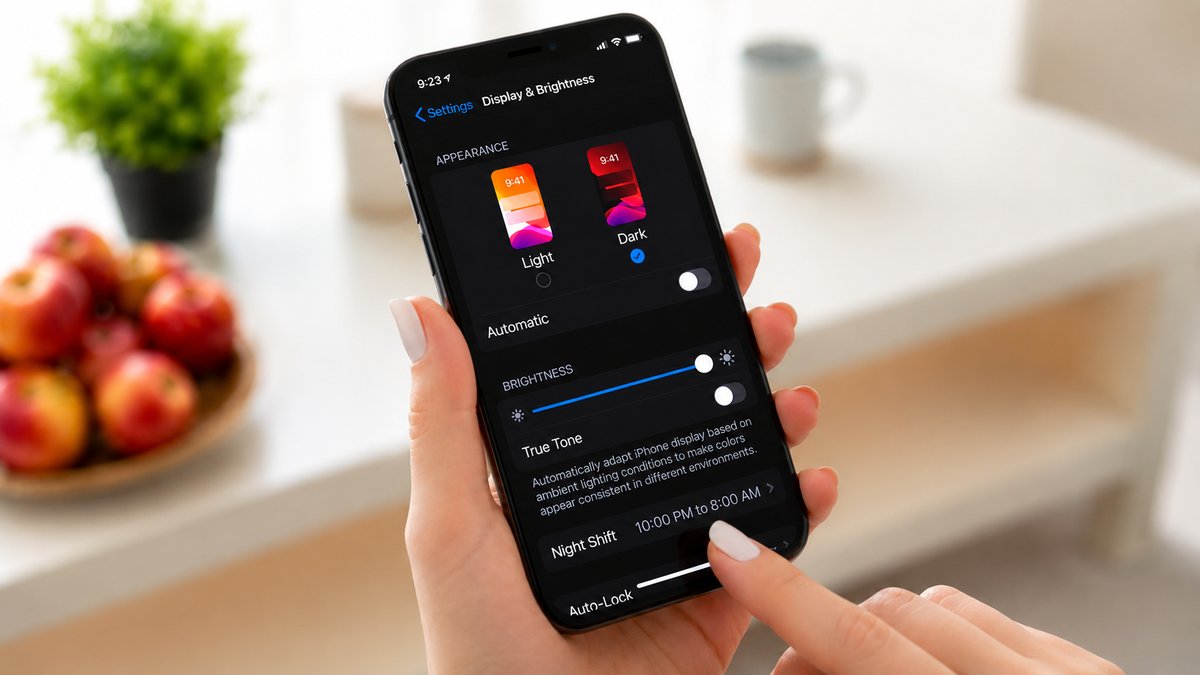
In today’s digital world, screens have become an unavoidable part of daily life. Whether people are working, studying, watching videos, reading, or scrolling through social media, many spend a significant portion of their day looking at digital displays. While screens are not generally harmful to eye health, prolonged use can cause temporary discomfort and visual fatigue.
Many people experience symptoms such as dry eyes, irritation, blurred vision, headaches, redness, and sensitivity to light after extended screen use. This condition is commonly known as digital eye strain (DES), also referred to as computer vision syndrome, and it has become increasingly common as screen time continues to rise.
Because of this discomfort, many users look for ways to make screen use easier on their eyes, and one of the most common solutions is switching between dark mode and light mode. Dark mode displays light-colored text on a dark background, while light mode shows dark text on a bright background. Although dark mode is often promoted as the healthier option, the reality is more nuanced. The better choice depends on your environment, your personal visual comfort, your screen settings, and any eye conditions you may have.
Also Read: 10 Amazing Things You Didn’t Know IBM Invented
Understanding Dark Mode and Light Mode
Light mode is the standard display setting most people are familiar with, where black or dark-colored text appears on a white or bright background, similar to reading text on printed paper. Dark mode reverses this arrangement by displaying white or light-colored text on a dark background. Over the years, dark mode has become increasingly popular because many users find it visually appealing and more comfortable, especially when using devices at night.
Its primary purpose is to reduce the amount of bright light emitted from the screen, which may feel less harsh in dimly lit environments. Light mode, on the other hand, generally provides stronger contrast and better readability in bright conditions. Neither mode is universally better, as both serve different purposes depending on when, where, and how a device is being used.
What Causes Digital Eye Strain?
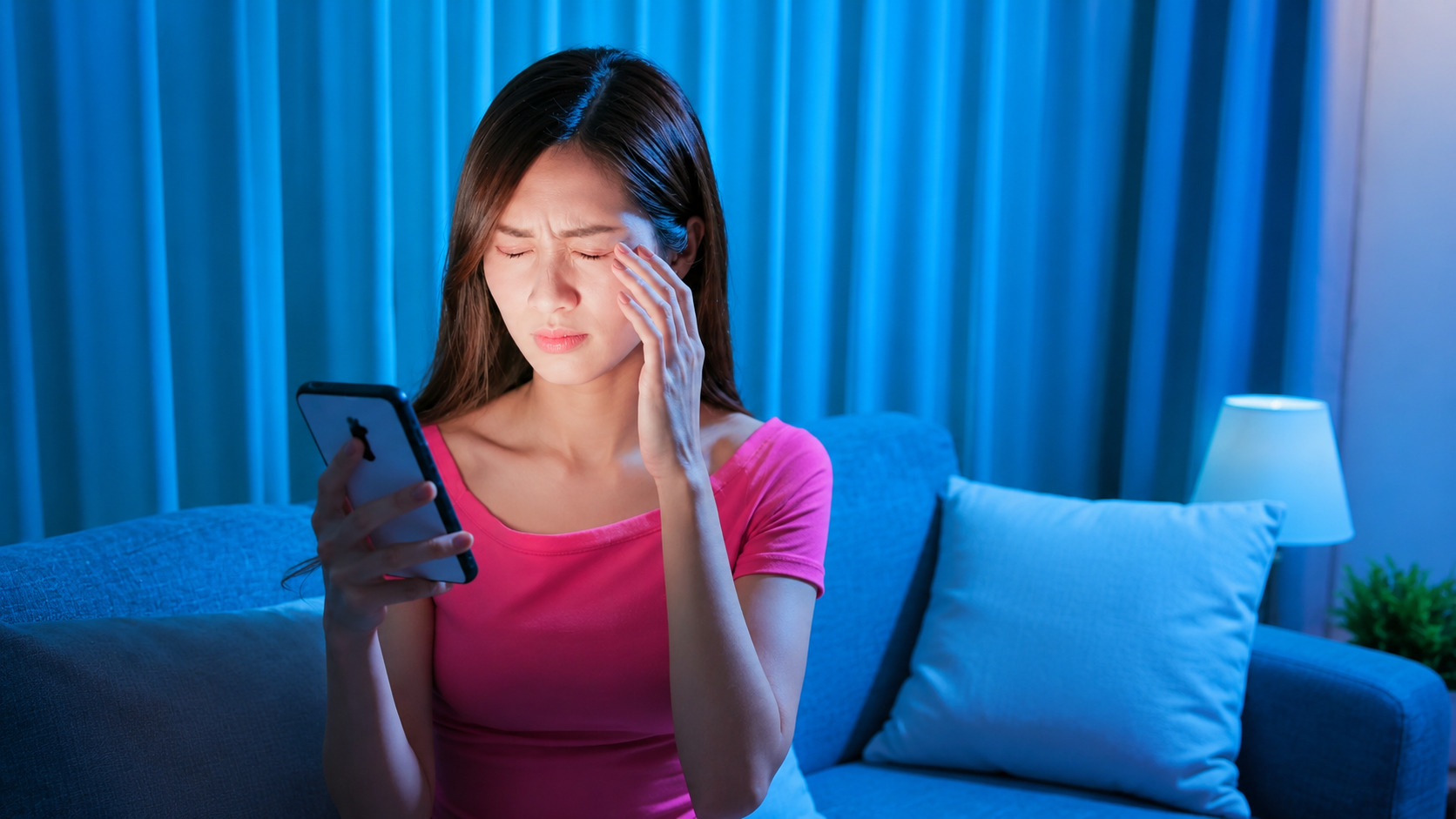
Digital eye strain occurs when the eyes are required to work continuously for extended periods without enough rest. Unlike printed materials, digital screens present unique visual challenges that can make reading and focusing more demanding. Several factors can contribute to eye discomfort, including glare, poor lighting conditions, low contrast, small font sizes, incorrect brightness settings, and prolonged close-up focusing.
Another major reason is reduced blinking. People naturally blink less when concentrating on screens, causing the tear film that keeps the eyes moist to evaporate more quickly. As a result, the eyes may begin to feel dry, irritated, or tired. Constantly focusing on text, images, and moving content can also strain the eye muscles, particularly during long work sessions. This is why screen-related eye discomfort is so common, regardless of the display mode being used.
When Dark Mode Helps
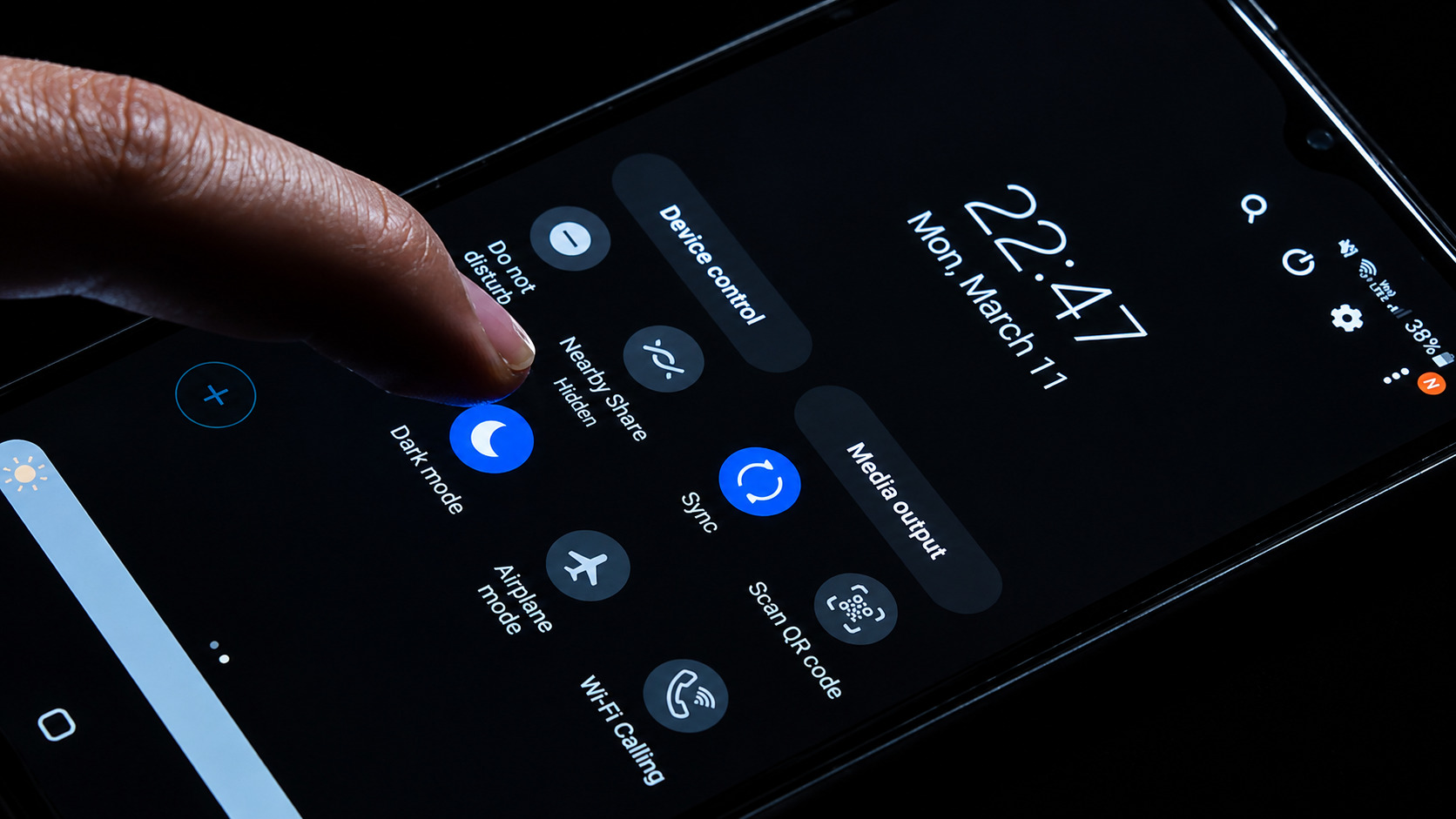
Dark mode can be particularly useful in low-light or nighttime environments. In darker surroundings, the pupils naturally expand to allow more light into the eyes. If a person then looks at a bright screen in light mode, the contrast between the glowing display and the dark room can feel overwhelming and uncomfortable. This may lead to squinting, eye fatigue, headaches, and general visual discomfort.
Dark mode reduces the overall brightness of the display, making the screen feel less intense and easier on the eyes in such settings. By lowering the contrast between the screen and the surrounding environment, dark mode may improve comfort for users browsing at night, reading in bed, or working in dimly lit spaces. However, increased comfort does not necessarily mean it reduces digital eye strain for every user.
When Dark Mode Can Make Things Worse
Although dark mode can be helpful in certain situations, it is not always the ideal choice. In bright environments, dark mode may actually make reading less comfortable. Light-colored text on a dark background can sometimes appear less sharp, forcing the eyes to work harder to maintain focus over long periods.
Some users notice that text appears blurry, fuzzy, or slightly glowing, especially during extended reading sessions. This happens because reduced clarity can make it harder for the eyes to distinguish text edges clearly.
As a result, reading speed may slow down, and visual fatigue may increase. For people who spend hours reading articles, editing documents, coding, or working with text-heavy content during the day, light mode may provide a clearer and more comfortable experience.
Also Read: 5 Inspiring Mothers Whose Inventions Changed Everyday Life Forever
Dark Mode and Eye Conditions
Certain vision conditions can make dark mode less comfortable for some individuals. People with myopia, or short-sightedness, may find it more difficult to focus on light text against dark backgrounds for long periods, which can contribute to visual fatigue. Astigmatism can make this issue even more noticeable. This condition occurs when the cornea or lens has an irregular shape, causing light to focus unevenly inside the eye rather than creating a single clear focal point.
As a result, text may appear blurry or distorted. For some users with astigmatism, white text on a dark background may seem to glow or bleed into the surrounding area, creating what is often described as a halo effect. This can make reading significantly more difficult, even when corrective lenses are used. In such cases, light mode often feels easier because the text appears sharper and more clearly defined.
Why Light Mode Still Works Well
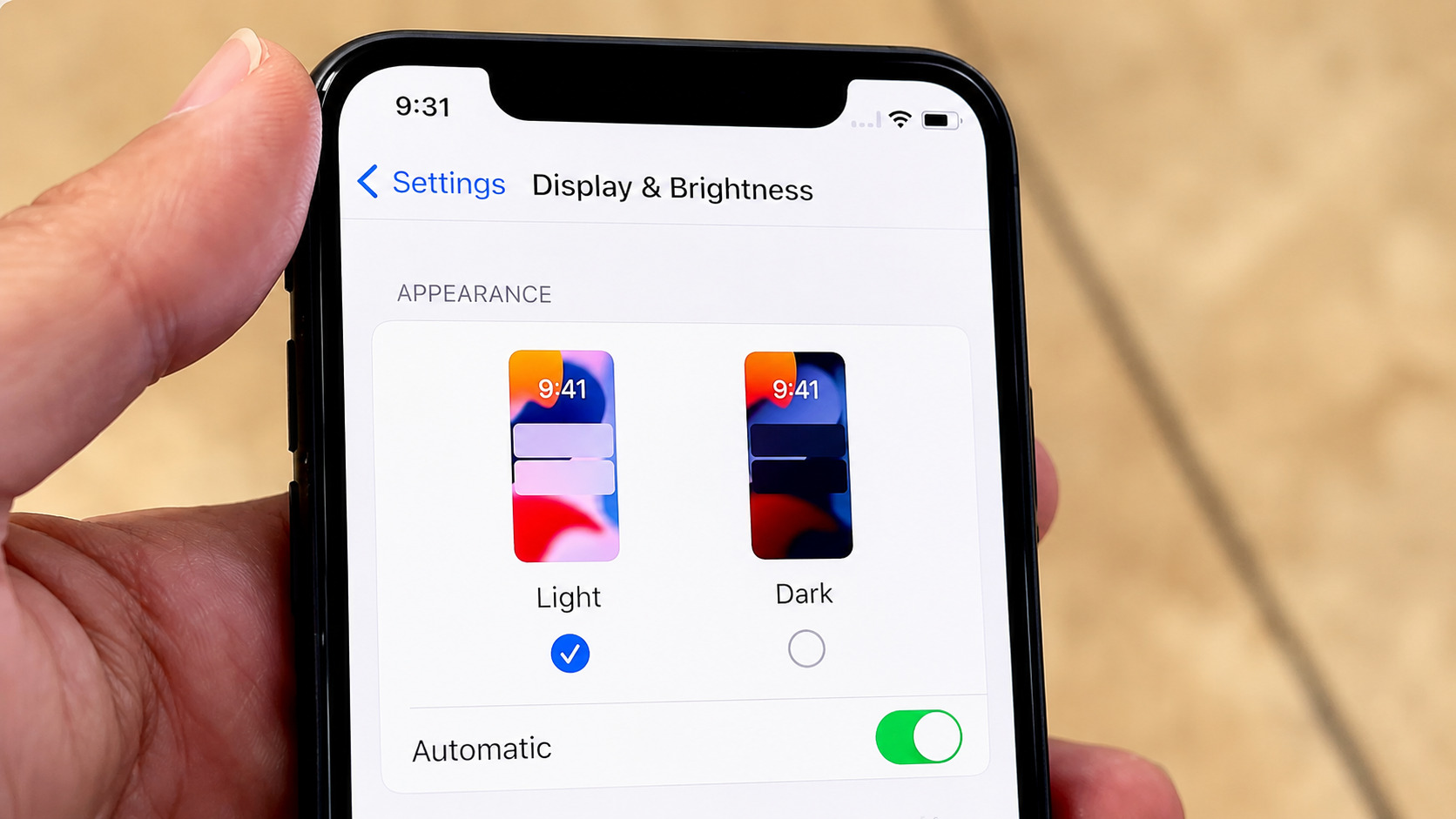
Light mode remains the preferred choice for many users, especially in well-lit environments. Because it closely resembles printed text on paper, many people find it easier and more natural to read. The stronger contrast between dark text and a bright background often improves readability, particularly for tasks such as writing, studying, office work, reading articles, and editing documents.
However, brightness settings still matter. A screen that is excessively bright can cause glare and discomfort, even in light mode. When properly adjusted to match the surrounding lighting conditions, light mode can be both comfortable and highly effective for daily use.
How to Make Screen Viewing More Comfortable
Regardless of whether you prefer dark mode or light mode, healthy screen habits can significantly reduce eye strain. One of the most important steps is adjusting screen brightness so it matches the lighting around you. A screen that is too bright may cause glare, while one that is too dim can make your eyes work harder. Many modern smartphones, tablets, and laptops include automatic brightness adjustment, which helps maintain visual comfort throughout the day.
Using night mode features such as Night Shift, Night Light, or Eye Comfort Shield can also improve comfort, especially during evening use. These settings reduce blue light exposure and apply warmer color tones to the display, which some users find more comfortable before bedtime.
Another effective habit is following the 20-20-20 rule, which involves looking at something approximately 20 feet away for at least 20 seconds every 20 minutes. This helps relax the eye muscles and reduce focusing fatigue. Blinking more often can also help prevent dryness, while increasing text size can improve readability and reduce strain. Minimizing screen glare from windows, overhead lights, or reflective surfaces can further improve comfort during long screen sessions.
So, Which Mode Is Better?
There is no single answer that applies to everyone. Dark mode may feel more comfortable in low-light environments where bright screens seem harsh, while light mode often provides better readability and sharper text in bright settings or during long reading sessions. The ideal choice depends on several factors, including your surroundings, the type of task you are performing, your screen brightness settings, your personal visual comfort, and any existing eye conditions. Ultimately, what feels comfortable for one person may feel tiring for another. The most effective way to reduce digital eye strain is not necessarily choosing one mode over the other, but developing healthy screen habits and adjusting your display settings to suit your environment.