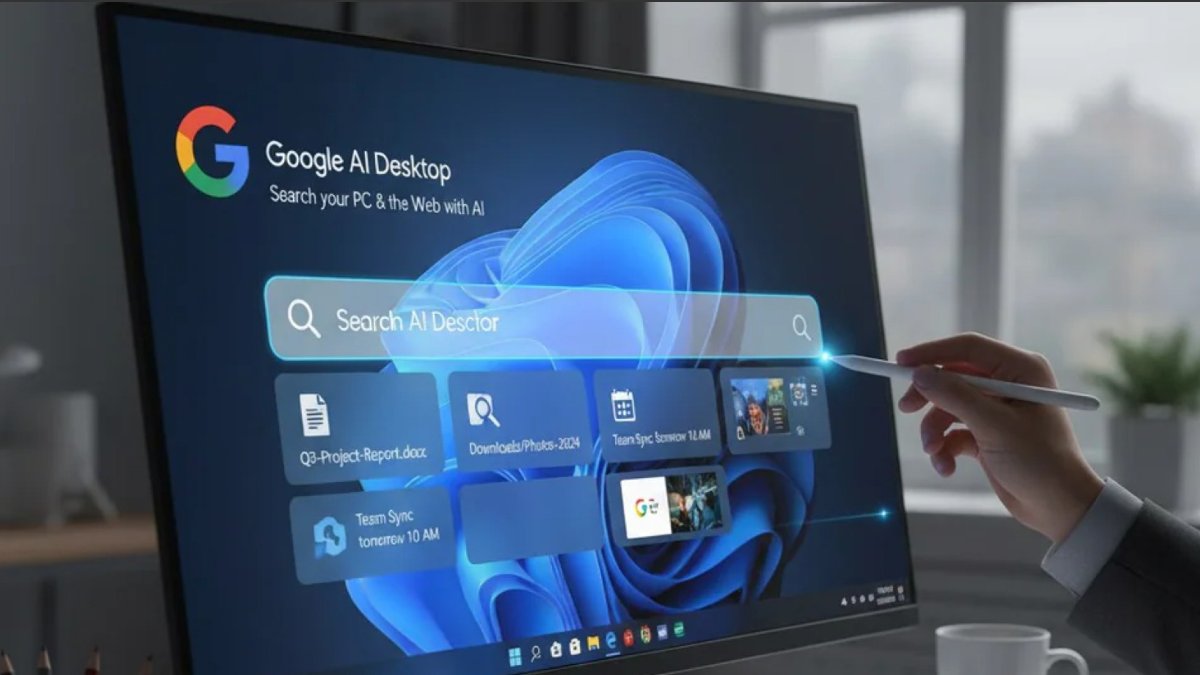
Google has released a desktop app for Windows PCs with helpful AI features. This tool integrates Gemini AI, system-wide search and Google Lens to improve how Windows users interact with their computers.
This release follows experimental features released through Google Labs in 2025 and a global release in April 2026 for Windows 10 and 11 users.
What Is The New Google App For Windows?
The Google app for desktop combines Google Search and Gemini AI into the operating system. The app acts as a system-wide search bar and AI assistant in the system tray.
Key Features Of The Google Windows App
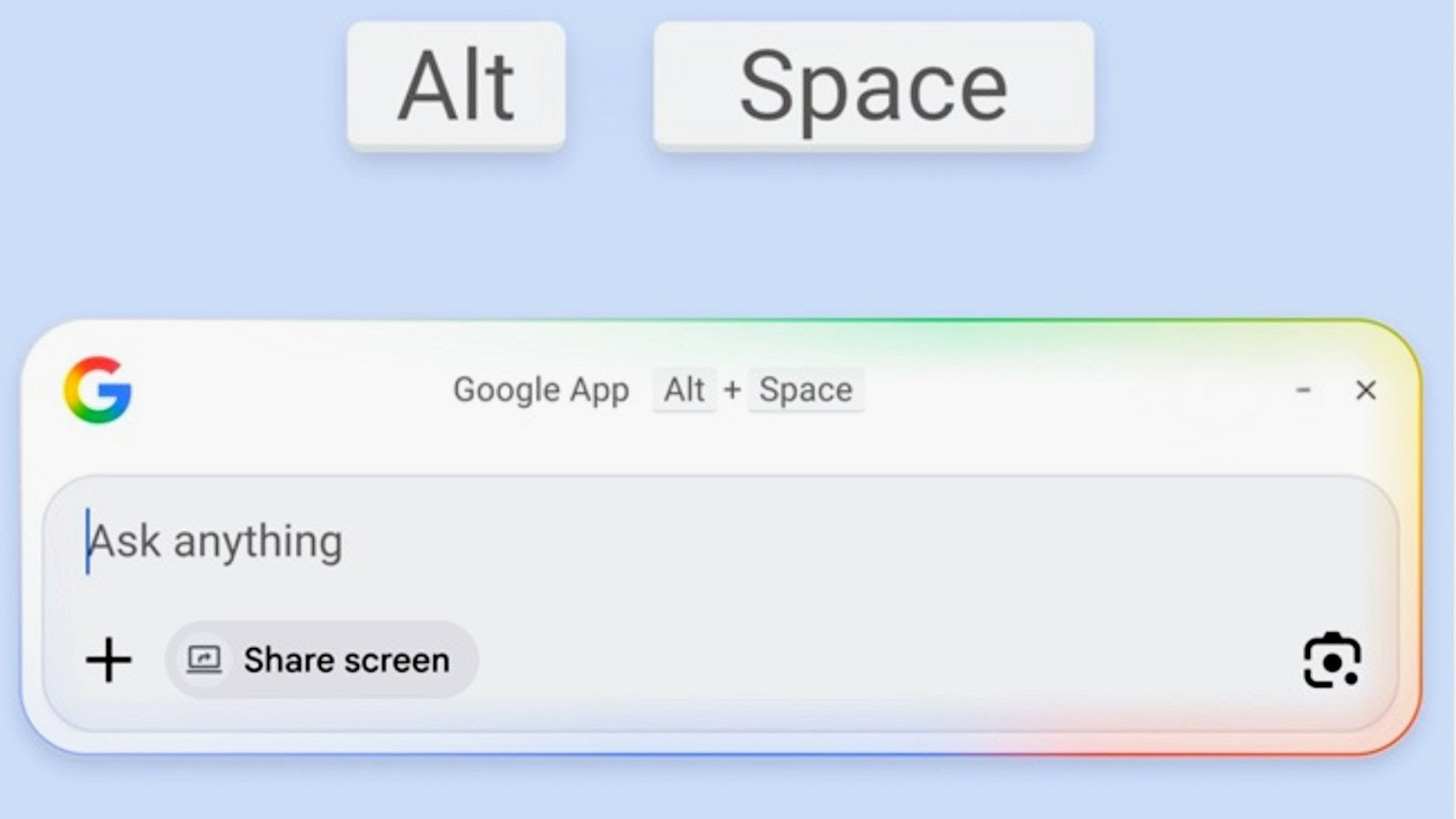
This new Google app for Windows integrates Gemini and Google Lens for an AI-powered workspace. A key feature is system-wide search, which is activated by an Alt+Space shortcut. This allows the users to search for local files, documents stored in the Google drive, or provide results from the web.
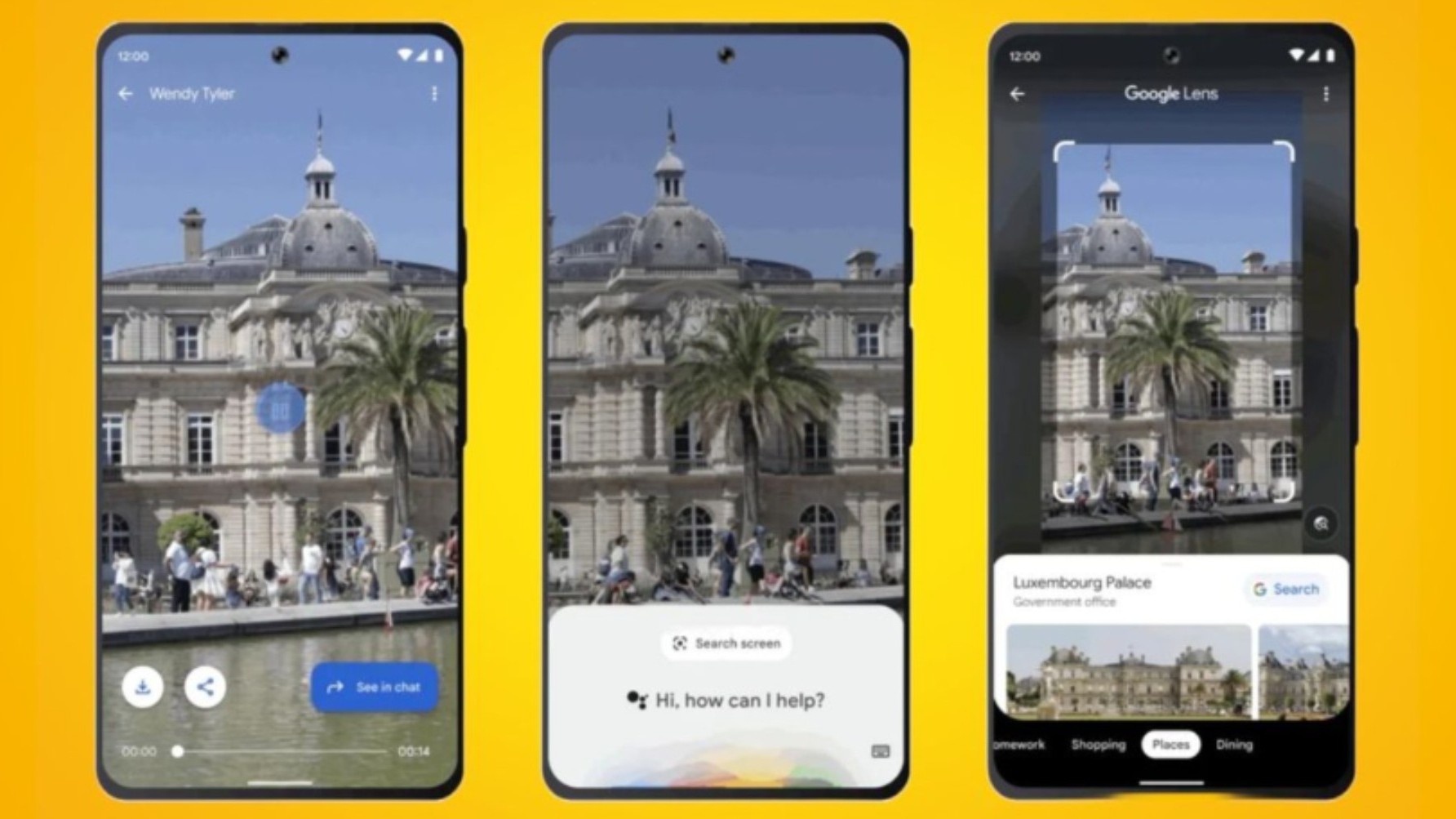
The app is also contextually aware, providing summaries of the text and identifying objects with Circle to Search. The app also includes an AI Mode to draft content and solve problems without a web browser.
Also Read: Google Just Went 3D: Why This Changes Everything For AI Interaction?
Privacy & Usage
Gemini can connect to Gmail, Photos and Youtube, but this is turned off by default to provide personalized results for the user.
Another important feature about this new update is that a user’s personal data is not compromised; it is not used to train models directly and users have the privilege to disconnect apps at any time.
It is important to note that the app works with personal accounts but does not support Google Workspace business or any educational accounts.
Getting Started With Google AI On Windows
Follow these steps to get started with this latest AI journey:
• Download the Google app for desktop, available via this link.
• Sign in with your personal Google account
• Grant permission to the app to perform local file search
• Then, press Alt+Space to launch the search bar
• Enable the AI mode in the settings to get Gemini’s answers directly.