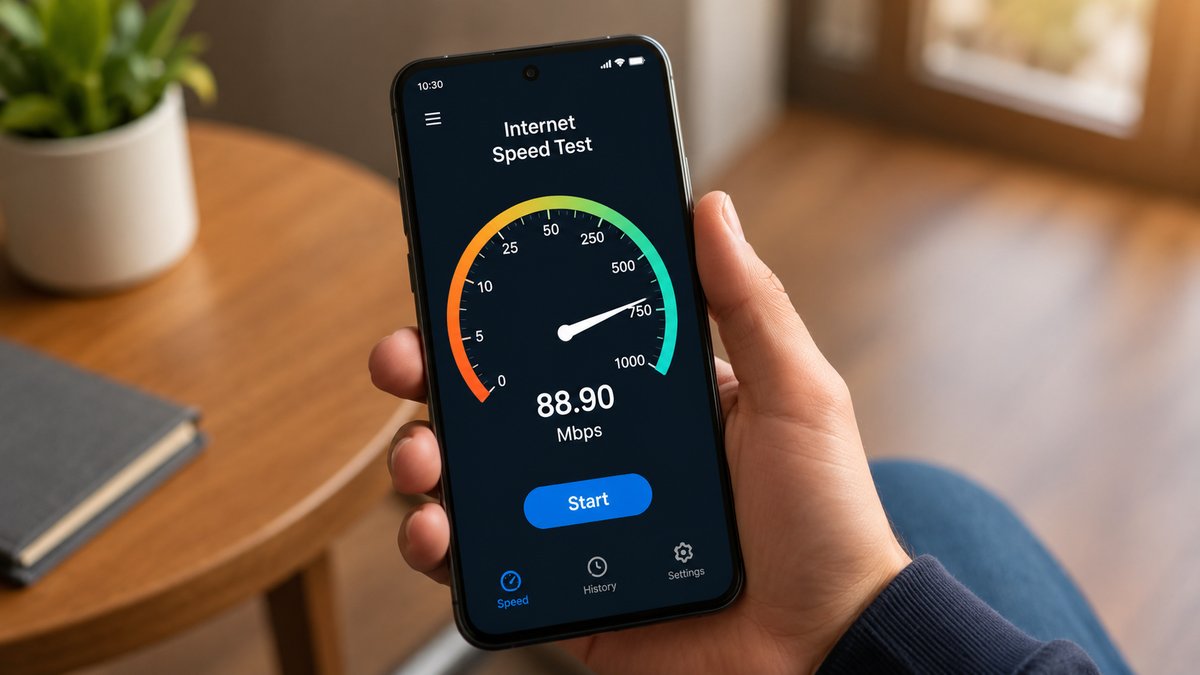
If you've ever bought an internet plan, you've probably seen speeds like 100 Mbps, 300 Mbps, or 1 Gbps. However, when you download a file, your browser may show speeds like 12 MB/s or 25 MB/s instead. This often makes people think they are not getting the internet speed they paid for.
If you have ever run an internet speed test, you may have noticed that the result is usually close to the speed advertised by your internet service provider (ISP). However, the actual download speed shown by your browser may appear much lower. In most cases, there is nothing wrong with your internet connection. The difference simply comes down to how internet speeds are measured.
Internet speed is measured in bits, while bytes are more commonly used to measure file sizes and storage. Although bits and bytes are related, they are different units. Once you understand the difference between them, it becomes much easier to understand why internet speeds and download speeds show different numbers.
What Are Bits and Bytes?
A bit is the smallest unit of digital information. It can have one of two values: 0 or 1. A byte, on the other hand, is a larger unit made up of eight bits. In simple terms, eight bits equal one byte.
Bytes are commonly used when measuring file sizes and storage. This is why the sizes of photos, videos, games, and documents are usually shown in bytes. Storage devices such as hard drives and SSDs also use byte-based units to show their capacity.
Today, internet speeds and file sizes are rarely measured in individual bits or bytes because these are very small units by modern standards. Instead, larger units such as megabits and megabytes are commonly used. A megabit represents about 1 million bits, while a megabyte represents about 1 million bytes.
As file sizes and storage capacities become larger, units such as kilobytes (KB), megabytes (MB), gigabytes (GB), terabytes (TB), and petabytes (PB) are used.
Also Read: How Offices Worked Before the Internet
Why Is Internet Speed Measured in Bits?
When data is transferred over a network or the internet, it moves in the form of digital information. Since a bit is the smallest unit of digital data, bits have traditionally been used to measure data transfer speeds.
Data transfer over the internet does not always happen in the same way as a local file transfer on a computer. Data can travel across networks and may come from different sources. Using bits provides a smaller unit for measuring the rate at which this data is transferred.
For this reason, the networking industry has traditionally measured data transfer rates in bits per second. Internet service providers also advertise their speeds using this standard.
Internet speeds are usually shown in kilobits per second (Kbps), megabits per second (Mbps), or gigabits per second (Gbps). So, if your ISP advertises a 300 Mbps connection, it means the connection can theoretically transfer up to 300 million bits per second.
Why Are File Sizes Measured in Bytes?
While bits are traditionally used to measure network speeds, bytes are commonly used to measure file sizes and storage capacity. A byte is a collection of eight bits and is a more practical unit for representing stored data.
Storage drives, including hard disk drives (HDDs) and solid-state drives (SSDs), use byte-based units to show their capacity. This is why drive capacities and file sizes are usually measured in kilobytes (KB), megabytes (MB), gigabytes (GB), terabytes (TB), and petabytes (PB).
For example, a photo may be a few megabytes in size, while a large game or movie may take up several gigabytes. Similarly, an SSD may have a storage capacity of 500 GB or 1 TB.
Since files are measured in bytes, transfer speeds shown on computers and in many browsers are also displayed in megabytes per second (MB/s). This is why the download speed shown by your browser may look much lower than the internet speed advertised by your ISP.
Mbps and MB/s Are Not the Same
One of the main reasons internet speeds can be confusing is that the abbreviations for megabits per second and megabytes per second look very similar.
Megabits per second is written as Mbps or Mb/s, while megabytes per second is written as MBps or MB/s. The important thing to remember is the difference between the lowercase "b" and uppercase "B."
A lowercase "b" represents bits, while an uppercase "B" represents bytes. Since one byte contains eight bits, 1 MB/s is equal to 8 Mbps.
Internet speed tests usually show speeds in megabits per second, while browsers often show download speeds in megabytes per second. For an average user, both numbers describe the rate at which data is being transferred, but they use different units.
For example, a 200 Mbps internet connection is equal to a theoretical maximum transfer rate of 25 MB/s. So, if your browser shows a download speed close to 25 MB/s on a 200 Mbps connection, the two numbers are describing roughly the same transfer rate.
Why Is My Download Speed Sometimes Slower?
Even after converting Mbps to MB/s, your actual download speed may be lower than the theoretical maximum. This is because several real-world factors can affect internet performance.
Router placement can affect Wi-Fi speeds. If your router is too far from your device or the signal has to pass through walls and other obstacles, your connection may become slower. Wireless interference from other devices can also affect performance.
The download source itself is another important factor. If the website or server you are downloading from cannot send data at a high speed, your download speed will be limited even if you have a faster internet connection.
Network overhead and other real-world limits can also affect data transfer speeds. Because of these factors, a 200 Mbps internet connection may not always provide the full theoretical download speed of 25 MB/s.
Also Read: The Story Behind the Floppy Disk
How to Change Mbps to MB/s
Converting Mbps to MB/s is simple. To convert megabits per second into megabytes per second, divide the number by eight.
For example, if your internet speed is 200 Mbps, dividing 200 by eight gives you 25 MB/s. Ignoring network overhead and other real-world limits, this means a 200 Mbps connection could theoretically download a 25 MB file in about one second.
Similarly, 100 Mbps equals 12.5 MB/s, 500 Mbps equals 62.5 MB/s, and 1,000 Mbps equals 125 MB/s.
If you want to convert MB/s back to Mbps, multiply the number by eight. For example, 20 MB/s equals 160 Mbps, 50 MB/s equals 400 Mbps, and 100 MB/s equals 800 Mbps.
Why Don't ISPs Use Megabytes?
Internet service providers use megabits per second because bits have traditionally been the standard for measuring data transfer rates. Since a bit is the smallest unit of digital data, it has long been used to describe how quickly data moves across networks.
Bytes, on the other hand, are commonly used to represent file sizes and storage capacity. This is why computers, storage drives, and operating systems usually display files and storage using byte-based units such as MB, GB, and TB.
As a result, ISPs advertise internet speeds in Mbps, while browsers and computers may show transfer speeds in MB/s. The two units measure data transfer rates differently, but they can be easily converted using the eight-to-one relationship between bits and bytes.