
Artificial intelligence has officially shifted from an overhyped trend into an essential daily work tool. Across corporate offices, creative agencies, and remote workspaces everywhere, professionals are using AI to remove operational friction, streamline workflows, and speed up execution. Instead of replacing human workers, AI acts like a high-speed assistant.
It absorbs time-consuming administrative work so professionals can focus on high-level strategy, creative problem-solving, and critical decision-making. By delegating repetitive tasks to intelligent algorithms, modern teams accomplish more in less time without burning out.
Reading And Summarizing Long Documents

Individuals can use AI glasses to help them in assisting research papers, tracking competitor moves, and reading through 50-page reports to end wasting their entire mornings. Today, professionals even use AI tools to read massive files, long email threads, and complex industry reports in a matter of seconds.
Instead of reading line by line, users upload PDF documents directly into AI models to extract executive summaries, pull core metrics, and generate actionable insights. This allows decision-makers to digest crucial data rapidly without getting bogged down in dense text.
Additionally, it also analyzes heavy files like whitepapers, financial statements, or legal contracts becomes much simpler when AI pulls out specific clauses, risks, and main points in plain English. Catching up on team communications is equally effortless, as professionals convert lengthy Slack channels, project management boards, or multi-week email threads into structured action items.
For market strategy, AI summarizes industry news, quarterly earnings transcripts, and competitor press releases without forcing analysts to build research notes from scratch. Teams can even run cross-document analysis by comparing multiple industry reports simultaneously to identify emerging trends, market gaps, and conflicting data points.
Also Read: 4 Psychological Reasons Why Tech Saves Time But Makes Us Busier
Accelerating First Drafts For Written Communication
Starting with a blank page is often the slowest part of writing emails, project proposals, business reports, or articles. Professionals eliminate writer’s block by using AI to generate structured first drafts instantly.
The goal is not to publish unedited machine text, but rather to provide the tool with brief outlines or voice notes, generate a working draft, and spend valuable time editing, fact-checking, and refining the final message.
AI writing tools also adjust tone depending on the intended audience. A quick prompt can transform informal meeting notes into a polished executive update, adapt marketing copy for different channels, or translate technical jargon into clear, client-friendly messaging.
When preparing client proposals or statements of work, professionals rapidly turn project scope notes into formal, professionally structured client documents. Internal updates become easier as weekly team accomplishments condense into executive-ready status summaries for leadership. Furthermore, international business communication improves through AI tools that translate and refine emails for global clients while preserving context and professional etiquette.
Organizing Calendars And Daily Tasks
Managing a busy calendar and deciding what to work on next takes considerable mental energy. AI task managers connect directly to work calendars, analyze working habits, and automatically reserve quiet time for high-focus tasks.
When unexpected, high-priority meetings land on the schedule, AI tools automatically shuffle secondary tasks to open slots later in the week. This eliminates the daily friction of manually rearranging task lists, allowing professionals to stay focused on execution rather than schedule administration.
Smart meeting scheduling tools analyze multi-participant calendar availability to find optimal meeting slots across different time zones without back-and-forth emails. Workload balancing features track individual capacity to prevent overcommitting to tasks during high-density work weeks.
To reduce context switching, these intelligent managers group similar small tasks, like responding to routine emails or approving expense reports into dedicated, uninterrupted time blocks.
Writing Computer Code And Debugging Errors

For software engineers, data analysts, and technical product managers, AI coding assistants have completely transformed the entire development lifecycle. Developers use AI to write repetitive boilerplate code, autocomplete functions, and catch syntax errors in real time. Apart from writing code, AI serves as an instant technical sounding board.
When code fails, developers paste error logs directly into AI models to receive step-by-step guidance on how to resolve the bug, saving hours previously spent browsing technical forums.
Boilerplate code generation builds standard script structures, database queries, and basic software frameworks in seconds. Automated code documentation tools generate clear inline comments and API documentation so codebases remain readable for team members.
Legacy code refactoring updates old code structures to modern syntax while optimizing algorithms for faster execution speed. In addition, data teams convert plain English requests into complex SQL database queries without manual syntax construction.
Automating Manual Data Entry And Workflow Operations
Typing values into spreadsheets, sorting receipts, and organizing customer files drains administrative time across organizations. AI-powered automation workflows now process incoming documents and handle routine data entry automatically. Finance, operations, sales, and administrative teams use smart AI systems to scan incoming receipts, invoices, and client forms, extract key details, and update company databases directly without human intervention.
Invoice and receipt processing tools pull vendor names, invoice dates, line items, and payment totals off documents without having to type data manually. Database cleaning applications standardize formatting for phone numbers, names, job titles, and mailing addresses across large customer databases.
Support ticket routing systems analyze client email sentiment and subject matter to forward inquiries directly to the correct department or account executive. Meanwhile, customer relationship management enrichment tools automatically populate sales leads with company background, social profiles, and industry tags before sales calls occur.
Key Benefits And Challenges Of Workplace AI
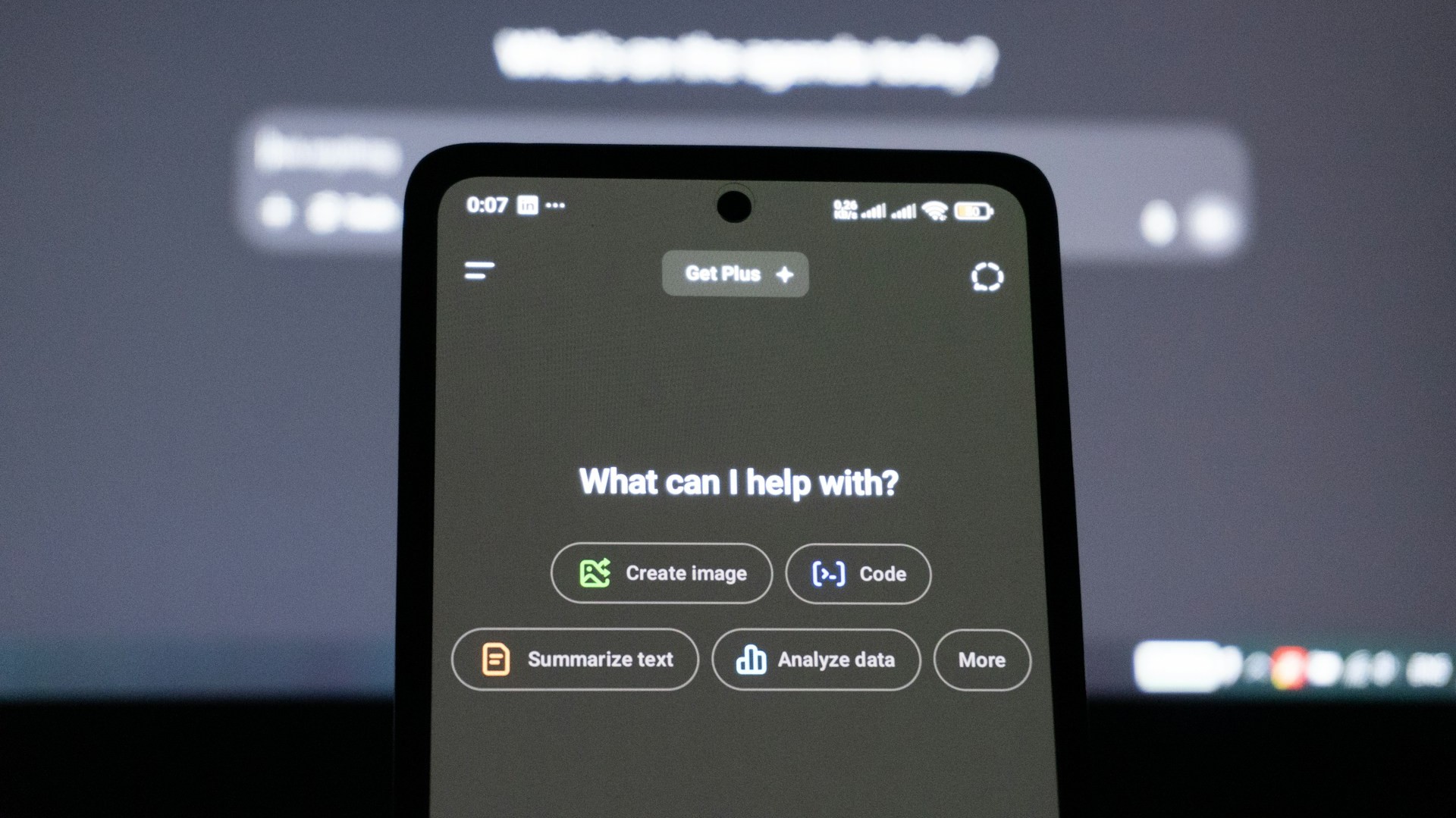
While AI accelerates output, using it effectively requires balancing speed with human oversight and strategic thinking. Workers using AI regularly report saving two to four hours per week on routine, low-value administrative tasks. By offloading basic administrative tracking, you can preserve mental bandwidth for strategic problem-solving and creative direction.
Moving from an initial concept to a completed first draft happens in a fraction of the traditional time, speeding up overall project velocity. Utilizing AI for initial research and proofreading also leads to fewer mechanical errors and more thoroughly researched deliverables.
However, using AI effectively brings real challenges that require careful management. AI models can misinterpret nuance or produce factual inaccuracies, making human verification and fact-checking critical for every output.
Proprietary company information and private customer data must be protected by using secure, enterprise-grade AI platforms rather than public tools. However, relying entirely on AI for strategy or creative output can weaken original critical thinking skills and lead to generic work outputs. Hence, connecting AI tools to existing enterprise software requires planning and staff training to ensure smooth adoption.
How To Integrate AI Into Your Daily Workflow
Incorporating AI into a daily work routine can happen smoothly without feeling overwhelming by following a clear, step-by-step approach. Professionals should begin by targeting one repeated task, selecting a single weekly bottleneck such as summarizing long meeting minutes, writing weekly updates, or organizing research papers.
Next, workers should treat AI as an assistant rather than a replacement. That means providing explicit context and step-by-step instructions, asking for rough drafts rather than final products, and conducting all final reviews personally.
Saving effective prompts into a dedicated library ensures that strong prompt formats can be reused in seconds next time. Also, by setting clear security boundaries around what data can be shared with public AI models keeps company infrastructure and sensitive files completely protected.
Also Read: 7 College Majors Still Winning In The AI Job Market
Real-World Industry Examples Of AI Workflows
In marketing and content strategy, teams use AI to analyze customer review datasets for underlying sentiment, generate diverse variations of ad copy, and structure detailed content calendars. By generating multiple creative angles in minutes, teams spend more time testing high-performing concepts and less time struggling with ideation.
Legal and compliance professionals utilize specialized AI to review non-disclosure agreements and vendor contracts against company guidelines. The AI flags non-standard clauses, summarizes key liabilities, and highlights missing terms, allowing attorneys to focus their review on complex risk negotiation rather than initial document scanning.
Human resources and talent acquisition teams leverage AI to parse hundreds of incoming candidate resumes against job descriptions, instantly identifying top matches based on skills and experience. AI also assists HR specialists in drafting comprehensive onboarding guides, internal policy documentation, and customized training plans for new hires.