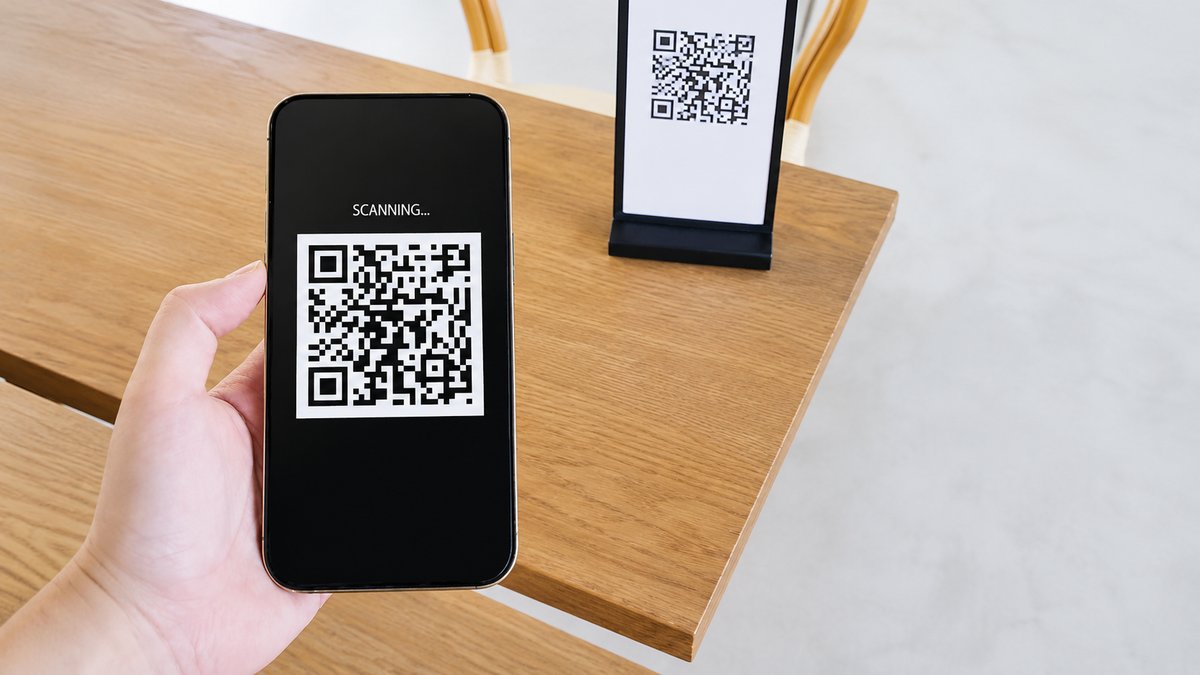
Travel requires people to stay alert at all times. From keeping an eye on luggage and checking flight updates to making sure they arrive at the boarding gate on time, travelers have many things to think about. They also need to be careful about scams and online threats. One growing concern is the use of fake QR codes, which scammers are increasingly using to steal personal information from unsuspecting travelers.
QR codes have become a common part of modern travel. People use them to view restaurant menus, check into hotels, pay for parking, connect to public Wi-Fi, and download travel apps. While these codes make many tasks faster and more convenient, they can also become a security risk if they are fake. According to a 2026 McAfee report on travel scams and digital habits, 62% of travelers put themselves at risk by scanning QR codes while traveling or visiting a new place. Many people scan a code without checking where it leads, making it easier for scammers to trick them into visiting harmful websites.
Also Read: How a Board Game Inspired the Invention of QR Codes
Is Scanning a QR Code Dangerous?
Scanning a QR code by itself is generally not dangerous. The real risk begins after the code opens a website. If that website asks users to enter personal information, log in to an account, make a payment, give phone permissions, or download an app, there is a chance that it may be fake. Scammers use these fake websites to steal passwords, payment details, and other personal information. In some cases, they may even try to install harmful software on a person's phone.
Travelers are often easy targets because they are in unfamiliar places and may be rushing from one location to another. They may also be using public Wi-Fi, which can make online security even more important. Taking a few extra seconds to check a website before interacting with it can help prevent many scams.
What are the Risks of QR Code Scams?
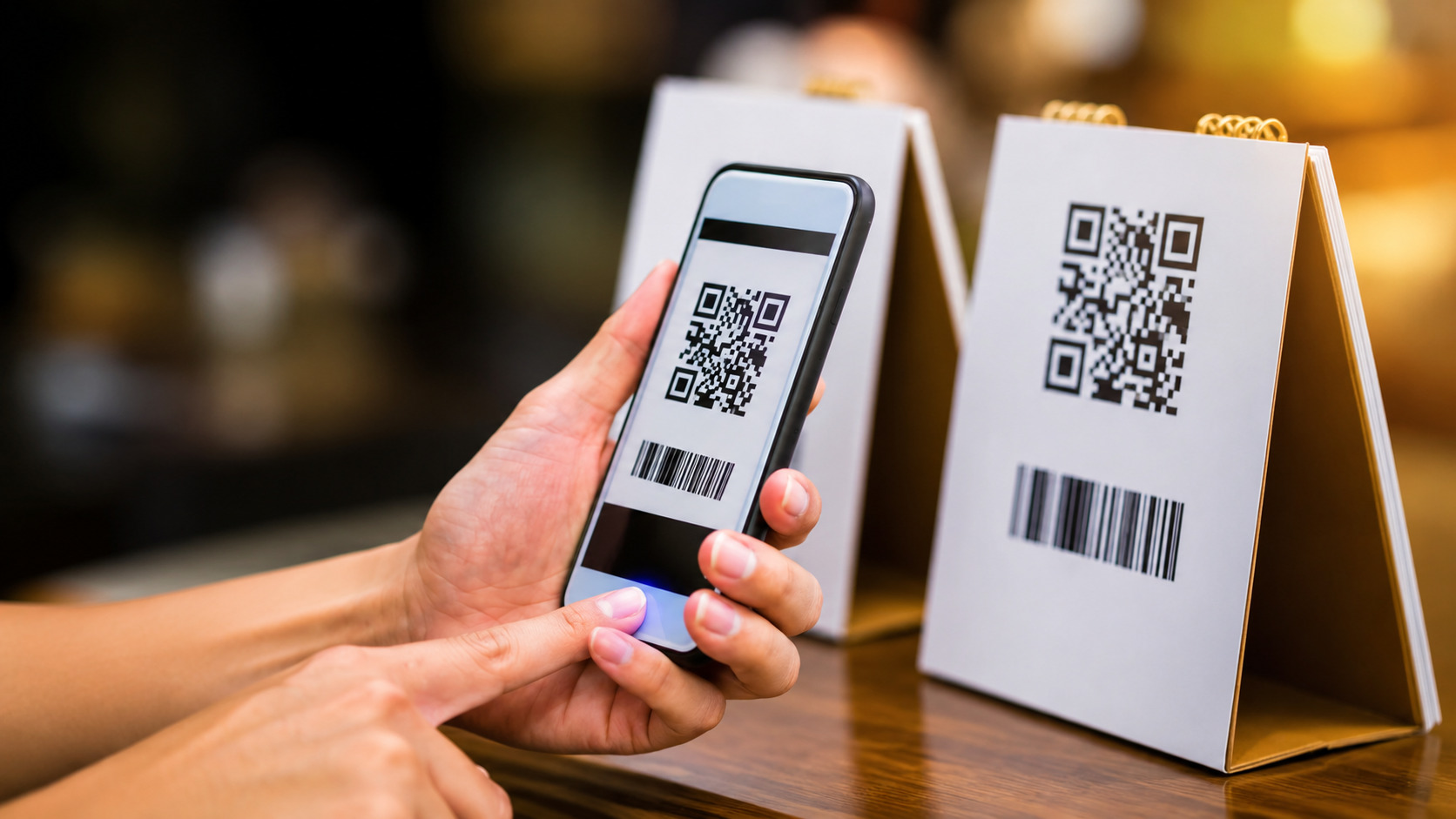
One of the biggest QR code scams is known as QR phishing, or "quishing." In this type of scam, a fake QR code sends users to a website that looks real but is actually designed to steal personal information such as usernames, passwords, banking details, and credit card information.
Scammers often print fake QR codes on stickers and place them over real ones. These fake codes can be found on parking payment machines, ATMs, restaurant tables, hotel reception desks, public bike and scooter stations, public Wi-Fi or charging stations, and even on promotional flyers offering discounts. Because these places appear trustworthy, many people scan the codes without checking them carefully.
Scammers usually target services that travelers use every day because they know people are less likely to question them. Once someone scans a fake QR code, they may be asked to enter login details, provide payment information, approve phone permissions, or install an app. These requests should always be treated with caution.
How to Tell If a QR Code Is Legitimate
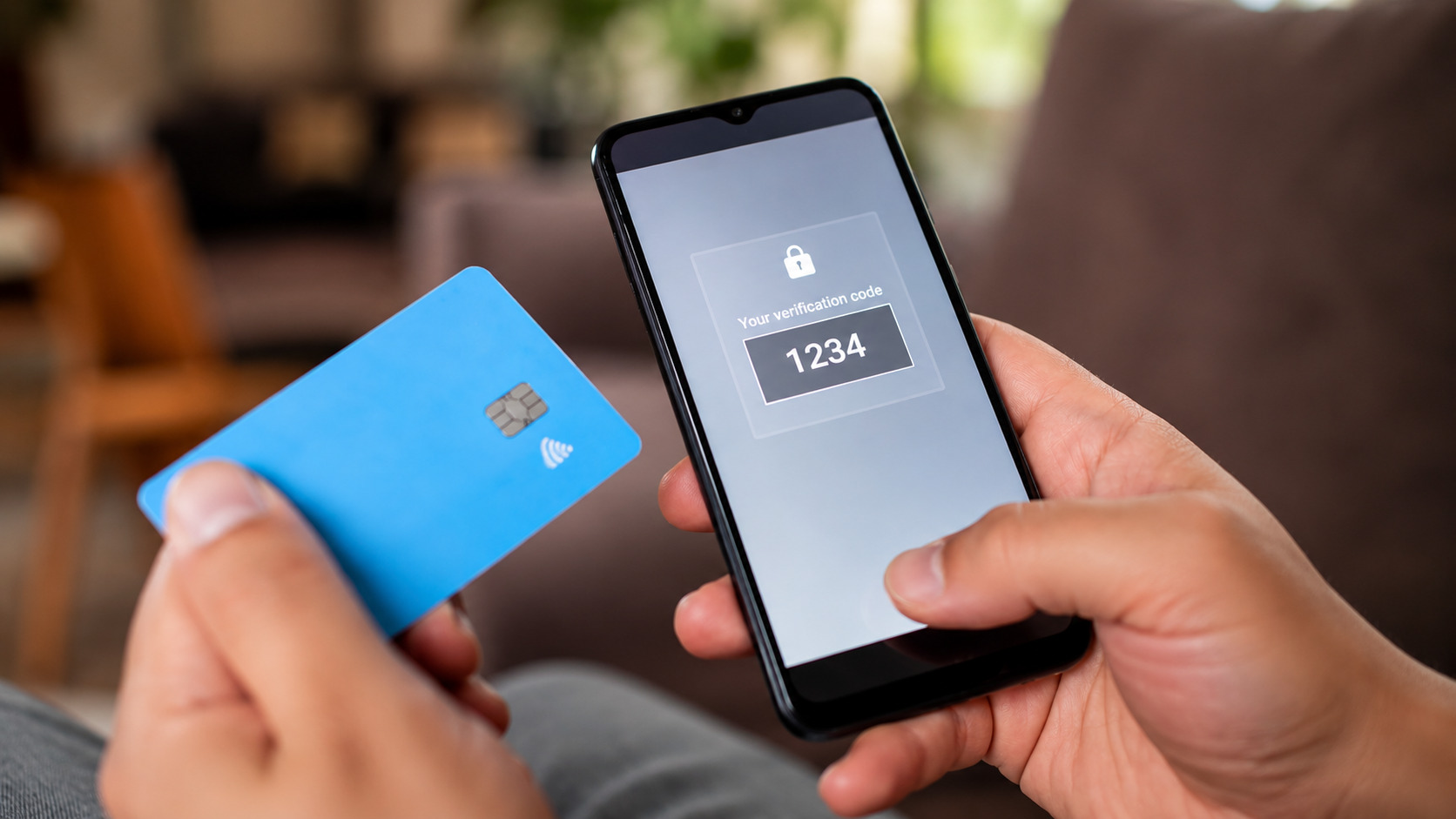
Not every QR code is dangerous, but there are several warning signs that people should look for before scanning one. A QR code that appears in a public place where anyone could replace it deserves extra attention. People should also be careful if they receive a QR code through an unexpected text message, email, or flyer, or if the code asks them to make a payment or confirm information immediately.
Before scanning a QR code, it is a good idea to inspect it carefully. If it looks like a sticker placed over another QR code, it could be fake. Poor print quality, spelling mistakes, or unusual wording can also be signs that something is wrong. If the QR code is meant for an important task, such as checking into a hotel or paying for a service, asking a staff member to confirm that it is genuine is always a smart step.
Using a phone's built-in camera instead of a QR scanner app is another simple safety measure because most phone cameras show the website address before opening it. People should take a moment to read the web address and look for spelling mistakes, shortened links that hide the real destination, websites using "HTTP" instead of the safer "HTTPS," or web addresses that do not match the official business.
It is also important to use common sense. A real restaurant menu, hotel check-in page, or parking payment page should never ask for a password or a full credit card number unless it is part of a secure payment process. If a QR code asks users to download an app or give their phone special permissions, it is safer to stop and avoid using it.
Also Read: The Psychology Behind Cybersecurity: How cyberconIQ Tackles Human Cyber Risk
What to Do If You Think Your Phone Has Been Compromised
Anyone can make a mistake, especially when traveling in a new place or rushing to catch a flight. If someone believes they have scanned a fake QR code, they should stop using the website immediately and avoid entering any personal or payment information. They should disconnect from public Wi-Fi, close the suspicious webpage, and avoid downloading anything it offers.
The next step is to change the passwords for important accounts, starting with email and online banking, using a trusted internet connection or another secure device. If banking or payment details were entered, the bank should be contacted immediately so it can monitor the account for suspicious activity and enable transaction alerts if available.
People should continue checking their bank accounts and online accounts over the following days for any unusual activity. If an app was downloaded after scanning the QR code, it should be deleted immediately, and a security scan should be run on the phone. Reporting the incident to local authorities or a consumer protection agency can also help prevent others from becoming victims.
QR codes make travel faster and more convenient, but they should always be used carefully. Taking a few moments to check a QR code before scanning it can help protect personal information, money, and mobile devices from online scams while making travel safer.