
When you visit a website, it is very common to see a pop-up message about cookies. This message tells you that the website uses cookies and asks whether you want to accept or reject them. Many people quickly choose an option without thinking much about it, but this small decision is actually important because it affects both your privacy and how the website functions for you. The right choice depends on the website and how you use it. In most cases, the safer option is to accept only essential cookies and reject non-essential ones. To understand this better, it is important to know what cookies are and why websites use them.
What Are Cookies?
Cookies are small pieces of information that a website sends to your browser to store. These cookies help the website function properly and improve your overall experience while using it, ensuring that everything works as it should. They are used for important features such as website security, saving your login details, and remembering what you have in your shopping cart. In addition, cookies can remember your personal choices and settings, such as your preferred language or location. In some cases, cookies also use data about you to customize the website, and they can even be used by law enforcement agencies to help track and catch criminals.
Also Read: Instagram Expands Teen Accounts Inspired by 13+ Content Ratings
Why Cookies Are Useful
Cookies are very useful for everyday internet use because, without them, many websites would not work properly. They help keep you logged in, save your settings, and make browsing faster and more convenient. Furthermore, cookies create a more personalized experience by remembering your preferences and adjusting the website based on your past actions, making it easier and more efficient to use.
Why Cookies Can Be a Problem
Even though cookies are helpful, they can also cause problems. Some cookies track your activity online and collect information about what you do, and this information is often used by advertising companies to show you targeted ads. For example, if you search for something online, you may later see advertisements related to it because your activity has been tracked. Many people feel uncomfortable with the idea of being monitored or having their data shared or sold to other companies, which is why it is important to understand cookies and manage them carefully.
Types of Cookies
Websites usually divide cookies into two main types: essential and non-essential cookies. Essential cookies are necessary for the website to function properly, as they support basic features such as safe browsing, login systems, saving settings, and shopping cart functions; without them, the website may not work correctly. On the other hand, non-essential cookies are not required for basic use but can enhance the website experience. These include first-party cookies, which are used by the website itself to support its features, and third-party cookies, which are created by other companies and are mainly used to track your activity and collect data for advertising and analysis. These third-party cookies are often responsible for showing ads based on what you previously searched for.
Other Types of Cookies
There are also cookies categorized based on their purpose. Advertising cookies display ads based on your interests and behavior, analytics cookies track how you use a website, social media cookies allow you to share content on social platforms, and functional cookies remember your preferences, such as language and location. Most of these, especially advertising and analytics cookies, are usually third-party cookies and are best avoided if you want to maintain greater privacy.
Also Read: Why AI At Work Often Creates More Work Instead Of Saving Time
How to Choose Cookie Settings
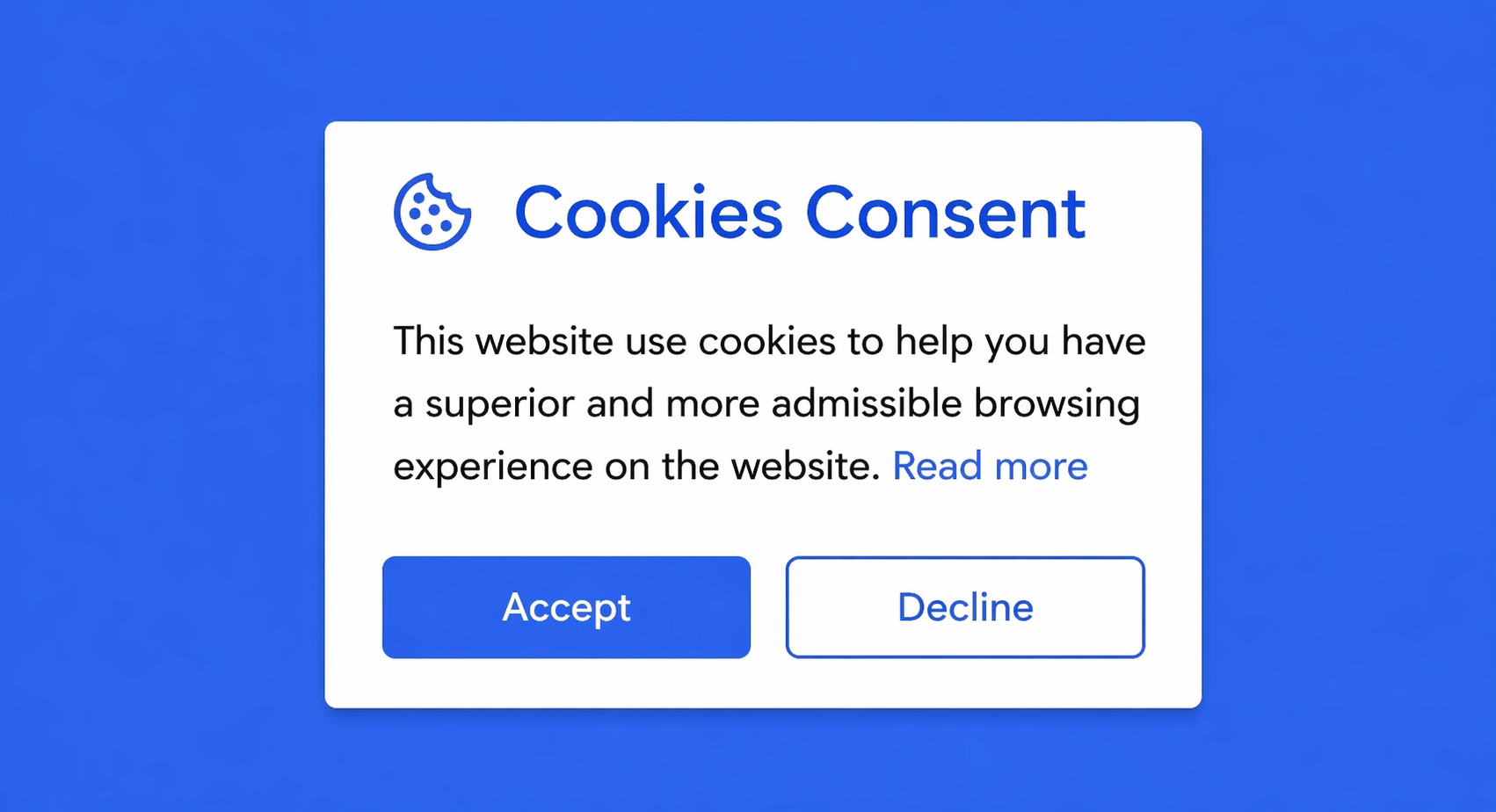
When a website shows a cookie pop-up, you are usually given a few options, such as accepting all cookies, rejecting all cookies, or managing your settings. If you accept all cookies, both essential and non-essential cookies will be used, whereas if you reject all cookies, only essential cookies will typically remain active. In some cases, websites allow you to customize your cookie preferences in detail, letting you turn specific types of cookies on or off. If this option is not immediately visible, you can often find it at the bottom of the website under links like “Cookies” or “Cookie Settings.”
Managing Cookies in Your Browser

In addition to website settings, you can also control cookies through your browser. Browsers such as Google Chrome, Mozilla Firefox, and Microsoft Edge allow you to manage cookie settings easily. You can block third-party cookies, delete stored cookies, and control cookies for specific websites. Additionally, you can use private browsing modes, which help reduce tracking and prevent most non-essential cookies from being saved after you close the browser.