On April 8, 2026, Anthropic officially unveiled “Claude Design,” a revolutionary AI-native design tool born from Anthropic Labs. Driven by the brand-new “Claude Opus 4.7,” this tool is designed to bridge the gap between abstract ideas and professional-grade visual assets.
What Is Claude Design?
Claude Design is not just an ordinary image generator, it is a standalone workspace that facilitates “conversational creation.” Instead of opening "Figma" to drag rectangles, users simply describe the what they want to build. Claude then generates high-fidelity, editable outputs live on a canvas.
Key Features
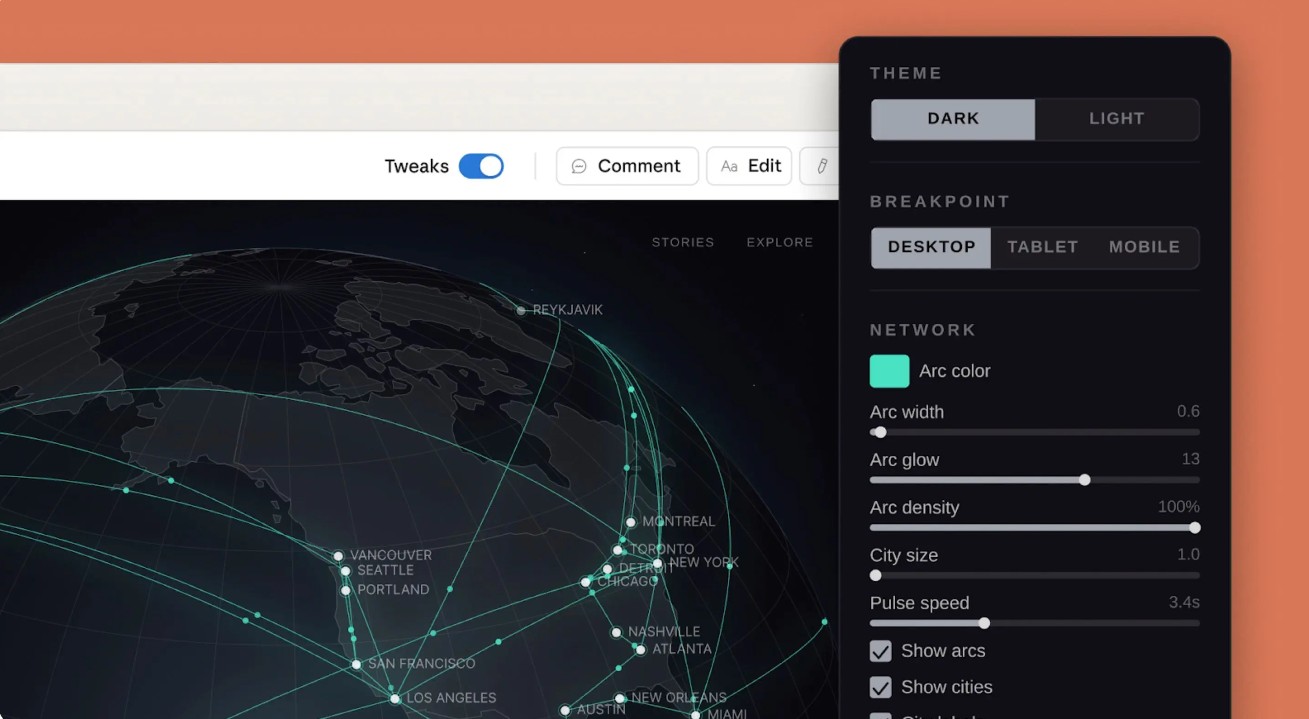
With this new AI design model, you can create interactive, clickable mobile or web app mockups.
You can even create perfect presentations with slides, turn bullet points or documents into polished investor decks.
For creating engaging marketing visuals, generate one-pagers, landing pages and social media assets within seconds.
The AI model also supports advanced elements for voice, video, shaders and 3D components.
Also Read: Meta Just Launched Something Big In AI--Check It Out!
The Engine: Claude Opus 4.7
The power behind Claude Design is Claude Opus 4.7, this model represents a massive leap in vision and reasoning capabilities:
Opus 4.7 can easily process images up to 3.75 megapixels, allowing it to “see” and analyze dense documents and complex UIs with 98.5% accuracy.
The AI model conducts deep reasoning, while doing document analysis and performs significantly stronger multi-step instruction following.
Coding Mastery: Users have also noticed improvement in general coding tasks, enabling better “handoffs” from design to production-ready code.
Also Read: Google Just Dropped An AI Feature For Windows!
How Does It Works?
The most significant shift with Claude Design is the process it follows to integrate into existing professional workflows:
During onboarding, Claude can read your codebase or design files to extract your brand’s colors, typography and components.
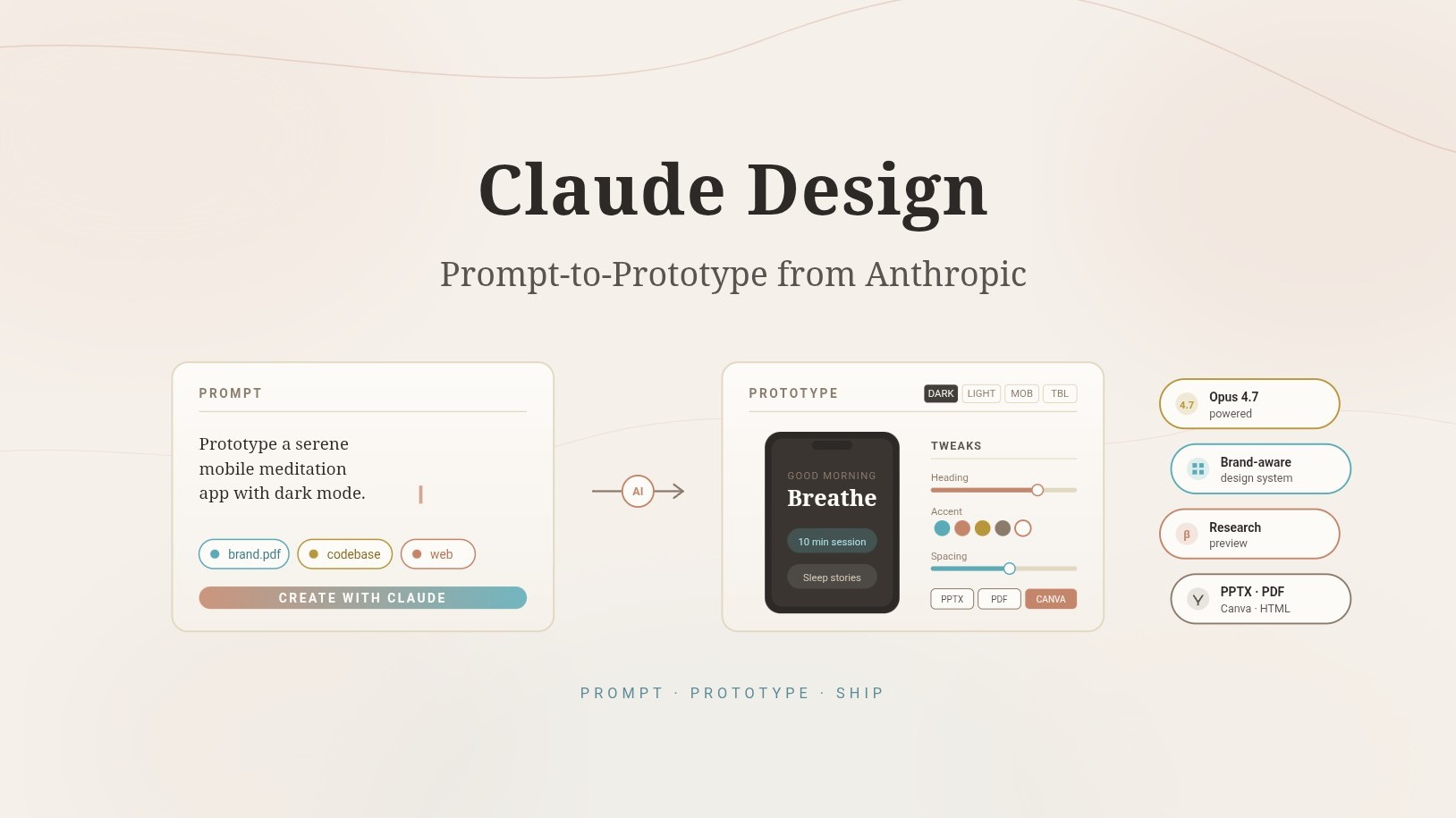
After finishing with your first draft, you don't need to manually edit pixels. You can avail “custom sliders,” generated by Claude specifically for your project, inline comments or just keep refining spacing, colors and layout.
Claude Design also offers a built-in tool to grab elements directly from a live website to build prototypes that mirrors existing products.
Once you are done with your designing, you can export it to Canva, download it as a PDF/PPTS or package it into a “handoff bundle” for Claude Code to turn mockups into a working software.
Also Read: Google Just Went 3D: Why This Changes Everything For AI Interaction?
Accessing Claude Design
Claude Design is available at no extra cost to subscribers of the following plans: Claude Pro, Claude Max, Claude Team and Claude Enterprise (must be enabled by an administrator). For immediate access, users can get started immediately at Claude.ai.