Ever felt chaotic while reading on your desktop, laptop or smartphone? You're always a ping away from being distracted, and that's where E-Ink tablets save the day. Instead of relying on glowing LCD, E-Ink tablets use electronic paper, making it easier on your eyes and far less tempting for a long reading session.
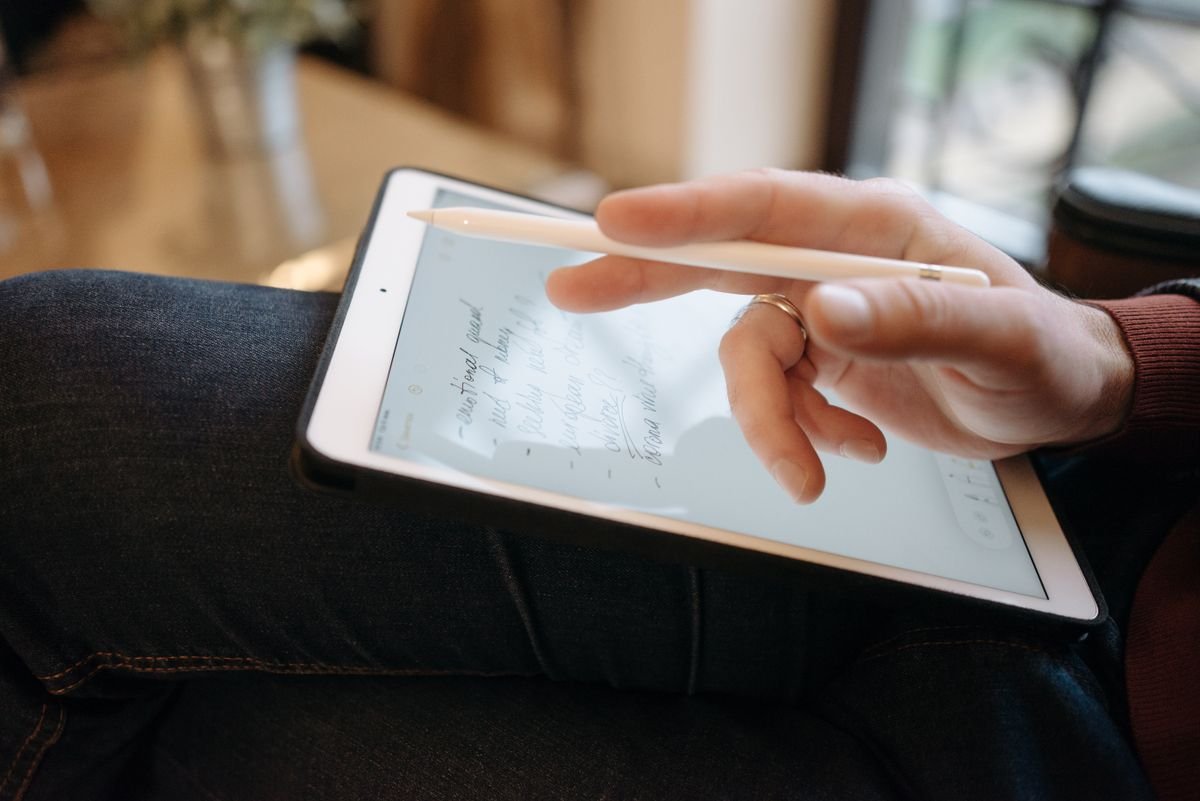
Most E-Ink tablets come with a stylus, so you can mark up a PDF and underline what you feel is important. Largely, these are the reading-first devices like Kindle Scribe and a few writing-first devices like Supernote and reMarkable. We don't believe in a single best choice, so you can pick what's best for you, be it for a reading experience, UI or writing experience.
Also read || 5 Things to Do Before Installing GTA 6 on PS5 and Xbox
reMarkable Paper Pro: Best Writing Feel
reMarkable Paper Pro flaunts an 11.8-inch color display at 229 pixels per inch, an adjustable reading light, and 64 GB of storage. The company claims that the distance between the pen tip and the ink is under 1 mm, and it supports 4,096 levels of pressure.
Engadget has called it the best premium e-ink tablet. The company also lists it at about 5.1 mm thick and roughly 525 grams, which is slim for a screen this big. So, if you write a lot and prefer long handwritten notes, planning, journaling and using PDFs, it is a good focused notebook and not a replacement for an Android tablet.
Kindle Scribe: Best for Kindle Readers
When you love to read more than you write, the 11-inch glare-free display of Kindle Scribe gives you the 300 pixels per inch experience. With a thickness of 5.4 millimeters, the new chip empowers this device to be 40 percent faster than its predecessor. The Kindle Scribe comes with an adjustable front light.
There is a model called the Kindle Scribe Colorsoft, which shows color content at 150 pixels per inch, whereas the black-and-white model stays at 300 pixels. Guides call it the "Cadillac of Kindle". However, it is slightly expensive and might not be ideal for readers who want an Android experience. But if you're a fan of Kindle's user interface, you'll love it.
Boox Note Air 5 C: Best All-Rounder
The pairing of a 10.3-inch Kaleido 3 color E Ink screen with a full Android system makes the Boox Note Air 5 C a perfect all-rounder that comes with a stylus. Like its counterparts, it gives you a 300-pixel experience for black-and-white and a 150-pixel experience for color. Since it gives you Google Play access, you can install Kindle, Libby, OneNote and cloud apps without getting locked into one store.
The best part of this all-rounder E-Ink reader is its 6GB RAM paired with 4096 pressure levels, and a stylus that does not need a lot of charging. However, if you are a dedicated reader who's trying to get rid of distractions, this might not be great, but if you want flexibility and a colorful experience, go for it.
Also read || Cyber Skills Shortage: What ISC2 & ISACA Data Means for You
Supernote A5 X2 Manta: Best for Serious Handwriting
The Supernote A5 X2 Manta has a 10.7-inch monochrome display with a resolution of 1920 by 2560 and 300 pixels per inch, according to Supernote. It has 32 GB of expandable storage, and Supernote's specifications list 4 GB of RAM and a 3,600 mAh battery. Unlike the rest of this list, it has no front light, and the pen is usually sold separately, so check the box contents before you buy.
Supernote A5 X2 Manta is highly recommended for writers and creative professionals who often need to focus for longer hours. The device has no hidden upsells and is good for meeting notes, study notebooks and journaling. On the other hand, it is not best for anyone who wants color, nighttime reading, or a do-everything tablet.
reMarkable Paper Pro Move: Best Compact Pick
If you want a smaller and more efficient E-Ink reader, the reMarkable Paper Pro Move shrinks the Paper Pro to a 7.3-inch color screen. It keeps your focus intact and gives a paper-like writing experience and a reading light. You can slip it in your bag, and nobody would ever notice. Also, 10-inch tablets are bulkier.
Its selling feature is its limitation. For full-page PDFs, textbooks and detailed markup, it feels slightly cramped. However, if you are using it for to-do lists, quick notes, journaling and casual reading, it is a great choice. We call it a pocketable notebook, which costs less than Amazon's Kindle at this point.
Kobo Elipsa 2E: Best for Library Readers
The Kobo Elipsa 2E boasts a 10.3-inch E Ink Carta 1200 screen at 227 pixels per inch and a ComfortLight PRO front light. The reader comes with a stylus in the box and features built-in library lending. So, we recommend it for anyone who wants to carry a lot of ebooks instead of buying them.
Publications note that its 227 PPI looks softer than some rival panels, and it runs only Kobo's own store and software. Handwriting works, but it is less polished than reMarkable or Supernote, so think of it as an excellent reader with useful note tools. So, an ideal pick for readers and students.
Boox Tab Ultra C Pro: Best for PDFs and Multitasking
The Boox Tab Ultra C Pro comes with a 10.3-inch Kaleido 3 color display and an eight-core processor to ensure mesmerizing performance. The refresh modes ensure great speed when scrolling. A keyboard and trackpad options make it feel closer to a compact laptop than to an e-reader.
Like others, the black-and-white experience is sharper than the color ones. Thus, Boox Tab Ultra C Pro is superb for students, researchers or anyone whose job is to get buried in long PDFs. While it is a great reading device, the distraction of the Android operating system would not be great for those who want a simpler experience.
Also read || Best AI Note Taking Apps for Meetings (2026)
How to Pick the Right One
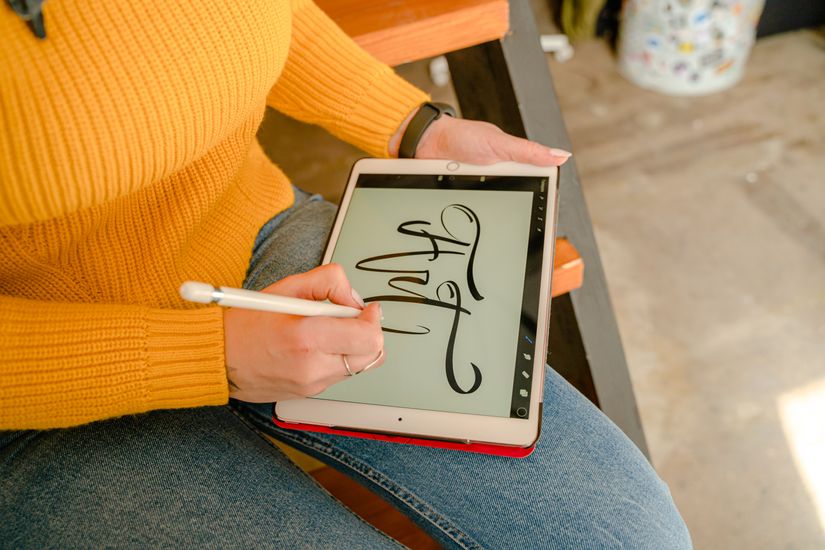
Still confused? Let's make it simpler. If you want apps, color and writing in one device that is highly available, go with the Boox Note Air 5 C, as it hits a perfect balance. For readers who have books in Amazon's store, go with the Kindle Scribe. For writers, we recommend the reMarkable Paper Pro. And if you want a no-frills notebook for focused time, the Supernote A5 X2 Manta is hard to replace.
We don't want you to treat this article as a holy grail or a ranking system, but rather as a list of devices based on their utility for different people. Whichever device you pick, check whether the stylus is included, whether there is a front light, and which bookstores or apps it supports. Prices change with demand and supply, so keep checking on their official websites or digital retail stores.