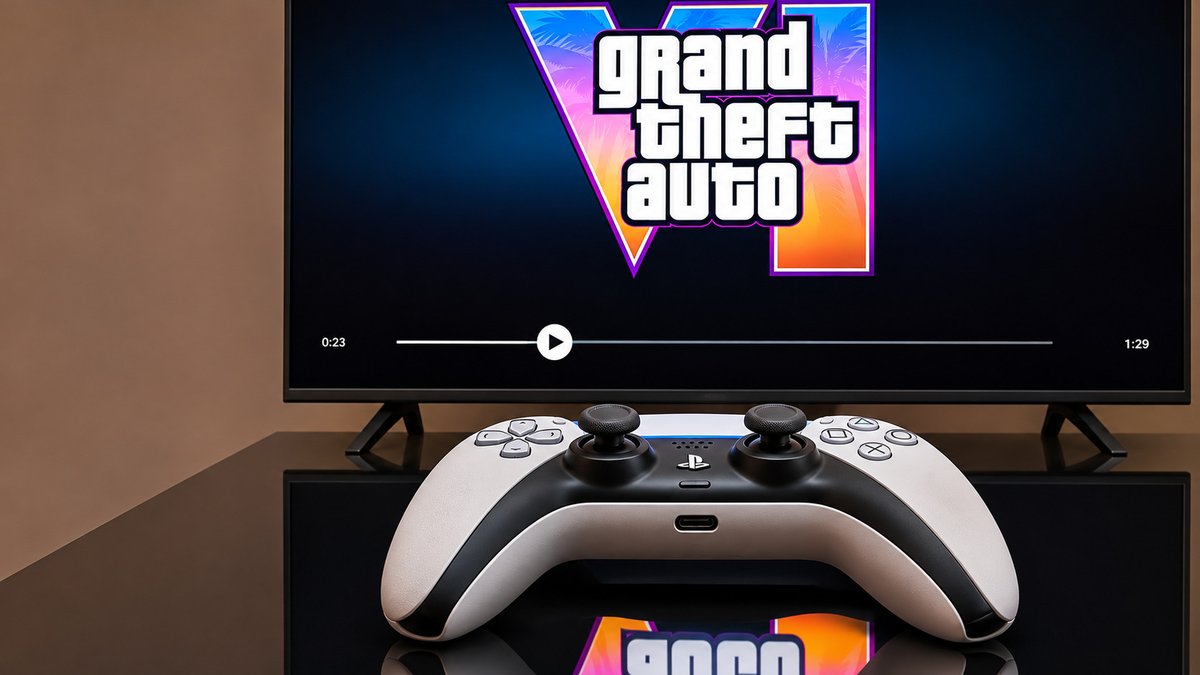
Grand Theft Auto 6 (GTA 6) is finally getting closer to its official release. Rockstar Games is set to launch the highly anticipated game on November 19, 2026, for PlayStation 5 and Xbox Series X|S. Players who have pre-ordered the digital version can already download the game, as preloading started on November 10, 2026. After years of waiting, fans are finally getting ready to explore the world of GTA 6.
However, before jumping into the game, there are a few important things you should check on your console. From making enough storage space to updating your system and cleaning your console, these small steps can help you avoid problems when you start playing. GTA 6 is a very large game, and downloading it may take several hours, depending on your internet speed. So, preparing your console early is a good idea. Here are five important things you should do before installing and playing GTA 6.
Make Enough Storage Space for GTA 6
The first thing you should check before installing GTA 6 is your console's available storage space. According to Rockstar Games, GTA 6 requires up to 212 GB of free storage space, depending on the console you use. This is a large amount of storage, especially for players who already have several games installed on their PS5 or Xbox Series X|S.
If your console doesn't have enough free space, you will need to delete some games or add extra storage before installing GTA 6. It is better to check your storage early instead of waiting until the last moment. You don't want to start downloading the game only to find out that your console doesn't have enough space.
Best Storage Options for PS5 and Xbox
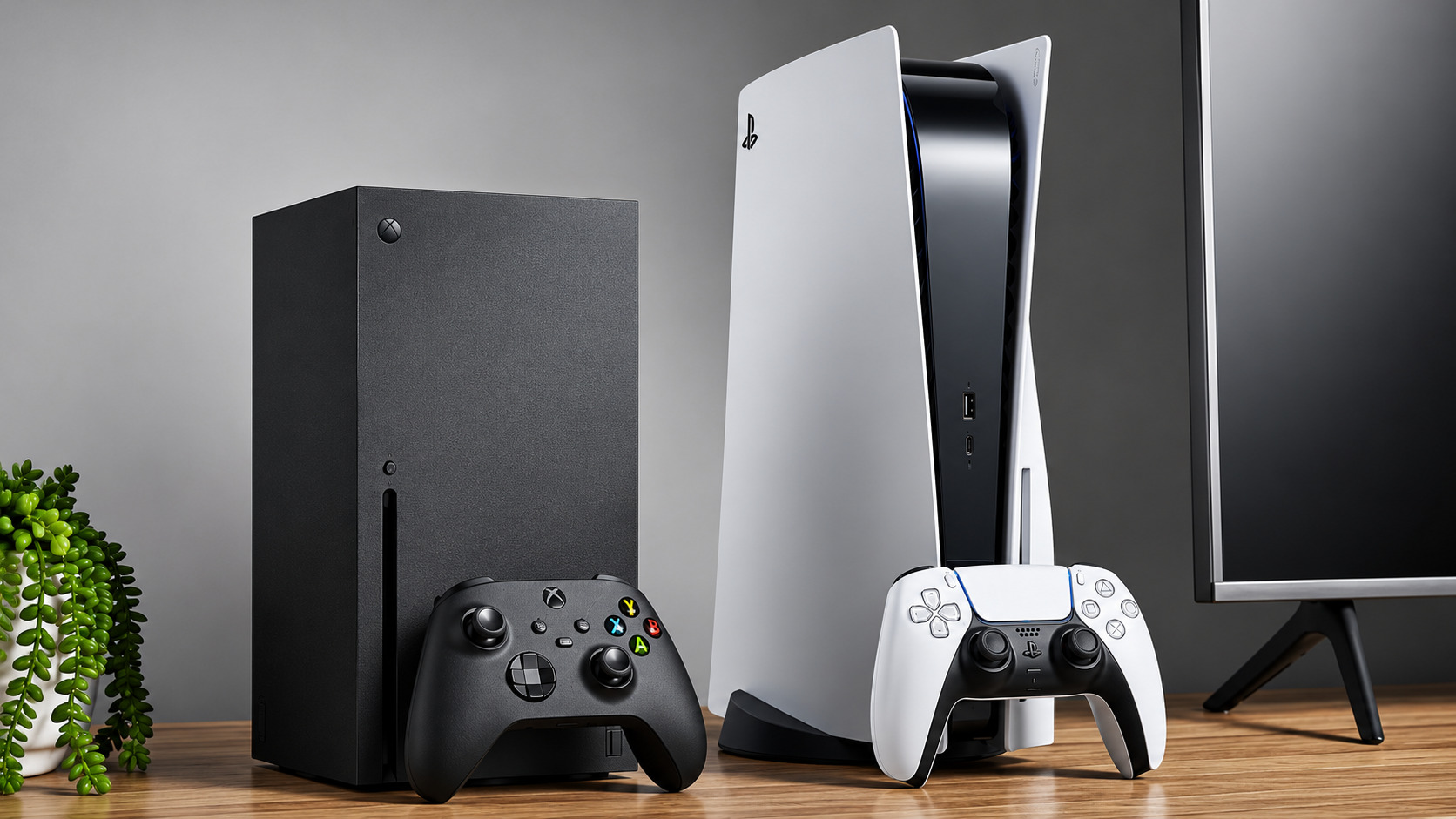
If you want to add more storage, remember that a normal USB drive cannot run GTA 6 directly. For PlayStation 5 users, an M.2 SSD is the best option for adding extra storage. You can install compatible M.2 SSDs inside the console and play supported PS5 games directly from them. You can also store PS5 games on a regular USB drive, but you must copy them back to the console's internal storage or an M.2 SSD before playing.
Xbox Series X|S users have two main options. They can use the console's built-in SSD or buy a compatible Storage Expansion Card to add more space and play games directly from it. If you don't want to spend money on extra storage, you can simply delete games you no longer play. PS5 users can check their storage settings and remove unwanted games. Xbox users can use the built-in Free up space option to find and remove old add-ons and duplicate files. Making enough room for GTA 6 before installing it will help you avoid storage problems.
Know the GTA 6 Preload and Release Dates
Another important thing to know is when GTA 6 becomes available for download and when you can actually start playing it. Rockstar Games started the digital preload on November 10, 2026. The download times were different for PlayStation 5 and Xbox Series X|S users. PS5 users were able to start downloading the game at midnight local time on November 10. This means the download became available at 12:00 a.m. in each supported local time zone.
Xbox users received access at midnight GMT worldwide on November 10. For players in the United States, this was 7 p.m. ET or 4 p.m. PT on November 9. This allowed Xbox players in the United States to start downloading the game before PS5 players. As of November 11, 2026, the preload period has already started. Players who have pre-ordered the digital version can download the game before its official release.
Also Read: GTA 6: Release Date, Characters and Vice City Guide
What About Physical Copies of GTA 6?
If you're planning to buy a physical copy of GTA 6, there is something important you should know. The physical version will not include a normal game disc. Instead, the box will contain a digital code that you can use to download the game. According to Rockstar, physical copies are expected to become available for shipping and pickup from retailers starting November 12, 2026.
Players who receive their code can use it to start preloading the game. There are also some important details about the different versions. The physical Standard Edition will include a download code for GTA 6 and the Vintage Vice City Pack. However, the physical Ultimate Edition will not be available. If you buy the physical Standard Edition, you can still upgrade to the Ultimate Edition after using your download code.
You will need to purchase the upgrade separately through the PlayStation or Microsoft store. You should also check the region rules before buying a physical copy. PlayStation download codes must match the region of your PlayStation account. Xbox download codes are not region-locked, according to Rockstar's information. Knowing these details will help you choose the correct version and avoid problems when using your game code.
Update Your Console and Check Your Internet Speed
Another important thing you should do before playing GTA 6 is update your console and check your internet connection. GTA 6 requires up to 212 GB of storage space, so downloading the game may take several hours. The time needed will depend on how fast your internet connection is. Players with slower internet connections may have to wait longer before the download finishes.
For this reason, it's better to start downloading the game as early as possible. Since preloading started on November 10, 2026, players who have already purchased the game can download it before the official launch on November 19, 2026. Apart from checking your internet speed, you should also make sure your console has the latest system update. An old system version or a pending update could cause problems when connecting to online services.
Check for Updates on Xbox Series X|S
Xbox consoles usually check for system updates automatically every night. However, sometimes an important update may still be waiting to install. If an important update is available, your console may not allow you to connect to Xbox network services until you install it.
If you haven't used your Xbox for a long time, turn it on and check for available updates. Complete any pending updates before downloading GTA 6. This will help you avoid wasting time on system updates when you want to play the game.
Check for Updates on PlayStation 5
PS5 users should also check whether their console has the latest system software. The good thing is that the PlayStation 5 can download and install system updates automatically while in Rest Mode. However, you need to turn on the correct settings and make sure your console stays connected to the internet.
You should also use a stable internet connection while downloading GTA 6. If possible, avoid downloading other large games or files at the same time, as this could slow down your download. Preparing your console and internet connection will help you download GTA 6 without unnecessary delays.
Turn On Automatic Downloads
Not everyone can stay awake until midnight or find time to start downloading GTA 6 manually. Some players may be sleeping, working, or busy with other things when a game download becomes available.
Fortunately, both PlayStation 5 and Xbox Series X|S have automatic download options. These settings allow your console to download games and updates without requiring you to start every download yourself. However, you need to turn on a few settings before using this feature.
Enable Automatic Downloads on PS5
If you're using a PlayStation 5, make sure automatic downloads are enabled in your console settings. Your PS5 must also be turned on or placed in Rest Mode for automatic preloading to work. One of the most important settings is Stay Connected to the Internet. You can find this option under the PS5's Rest Mode settings.
Make sure this setting is turned on. If it is disabled, your console won't be able to download GTA 6 while in Rest Mode because it will not stay connected to the internet. Once these settings are ready, your PS5 can download the game automatically when the preload is available.
Enable Automatic Downloads on Xbox Series X|S
Xbox Series X|S users also need to turn on automatic updates before downloading GTA 6. According to Rockstar Games, your Xbox must be turned on or set to Sleep mode for automatic preloading to work. If your console is using the energy-saving Shutdown mode, it won't be able to download GTA 6 while it is turned off. Microsoft changed the default power settings for Xbox consoles in 2023.
Because of this, it's a good idea to check your console's power mode before relying on automatic downloads. Sleep mode uses more electricity than Shutdown mode, but it allows your Xbox to download games and updates while you're away. Once GTA 6 has finished downloading, you can change the power setting back to Shutdown mode if you want to save electricity. By turning on these settings, you won't have to worry about staying awake or manually starting the download.
Also Read: How Rockstar Games Built Its Name in the Esports Industry
Clean Your Console Before Playing GTA 6
The last thing you should do before playing GTA 6 is clean your console. If your PlayStation 5 or Xbox Series X|S has been sitting under your television for several years, dust may have collected inside and around it. Dust is one of the common reasons why gaming consoles can become too hot. When dust collects around the air vents, it can stop air from moving properly.
As a result, heat can build up inside the console and may cause it to shut down while you're playing. This is especially important for GTA 6 because many players will spend several hours exploring the game's large open world. Your console may stay on for long periods, so keeping it clean and allowing enough air to move around it is important.
How to Clean Your PS5
Sony recommends using a low-powered vacuum cleaner or a similar cleaning tool to remove dust from the PS5's air vents. Before cleaning your console, make sure you turn it off and unplug its power cable. You can then carefully remove dust from the air vents using a suitable cleaning tool.
Sony also recommends keeping the PS5 at least 10 cm (around 4 inches) away from the wall. This gives the console enough space to release hot air. You should also avoid placing your PS5 on a carpet or rug with long fibres. Do not cover the console with a cloth or keep it in a small, closed space, as this can block the airflow.
How to Keep Your Xbox Series X|S Cool
Xbox Series X|S users should also clean their consoles and make sure they have enough space for air to move around them. Microsoft recommends leaving enough open space around the console so that hot air can escape.
The Xbox Series X should also have at least 1.5 inches of open space above it. Avoid placing your Xbox inside a closed cabinet or covering its air vents. Keeping the console in an open area will help it stay cool during long gaming sessions. Cleaning your console and keeping it in the right place can help reduce heating problems and keep it working properly while playing GTA 6.
Get Your Console Ready for GTA 6
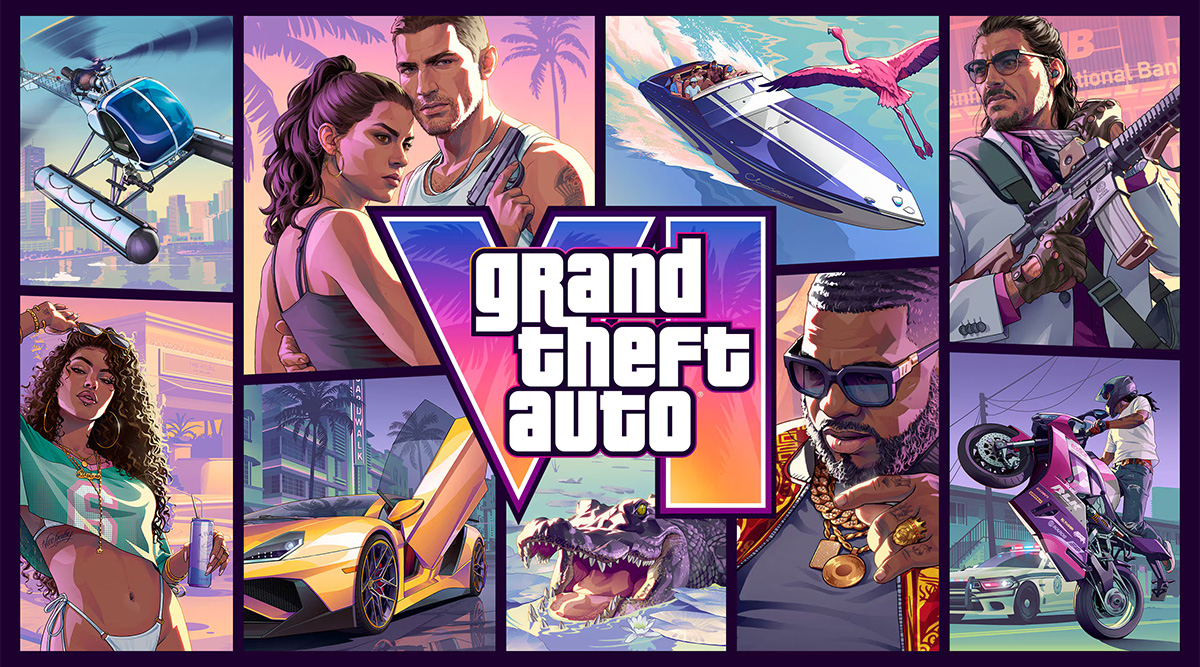
Grand Theft Auto 6 is one of the most awaited games of 2026, and players are finally getting ready for its release on November 19, 2026. With preloading already available from November 10, players can download the game before launch day and save time. However, before installing the game, make sure your console is ready.
First, check that you have enough storage space, as GTA 6 requires up to 212 GB. Next, check the preload dates, make sure your console is updated, and use a stable internet connection. You should also turn on automatic downloads if you want your console to download the game without you having to start it manually.
Finally, clean your console and make sure it has enough space around it to stay cool. These five simple steps can help you avoid common problems and make your GTA 6 experience much better. Since the official release is on November 19, 2026, getting everything ready now will help you spend less time fixing problems and more time enjoying the game.