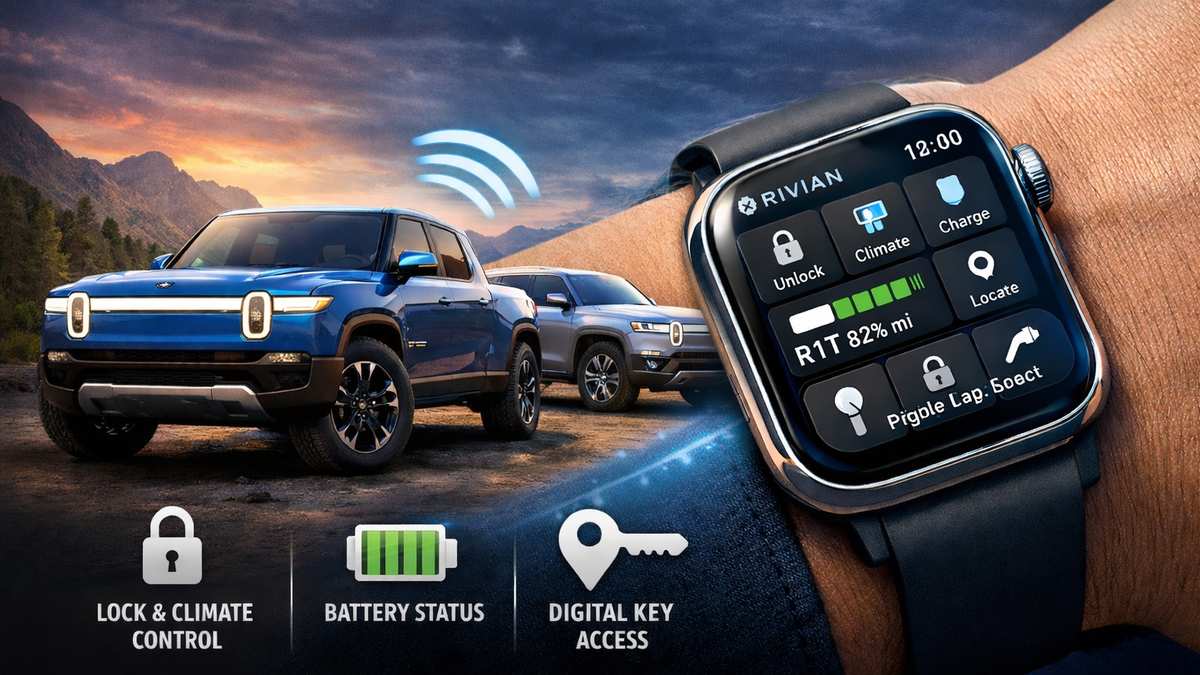
On February 19, 2026, Rivian announced the release of a dedicated Apple Watch app as part of its 2026.03 over-the-air software update. The company confirmed that this update enables owners to access key vehicle controls and information directly from their Apple Watch. The feature is designed as a companion to the Rivian mobile app and allows drivers to interact with their vehicle from their wrist.
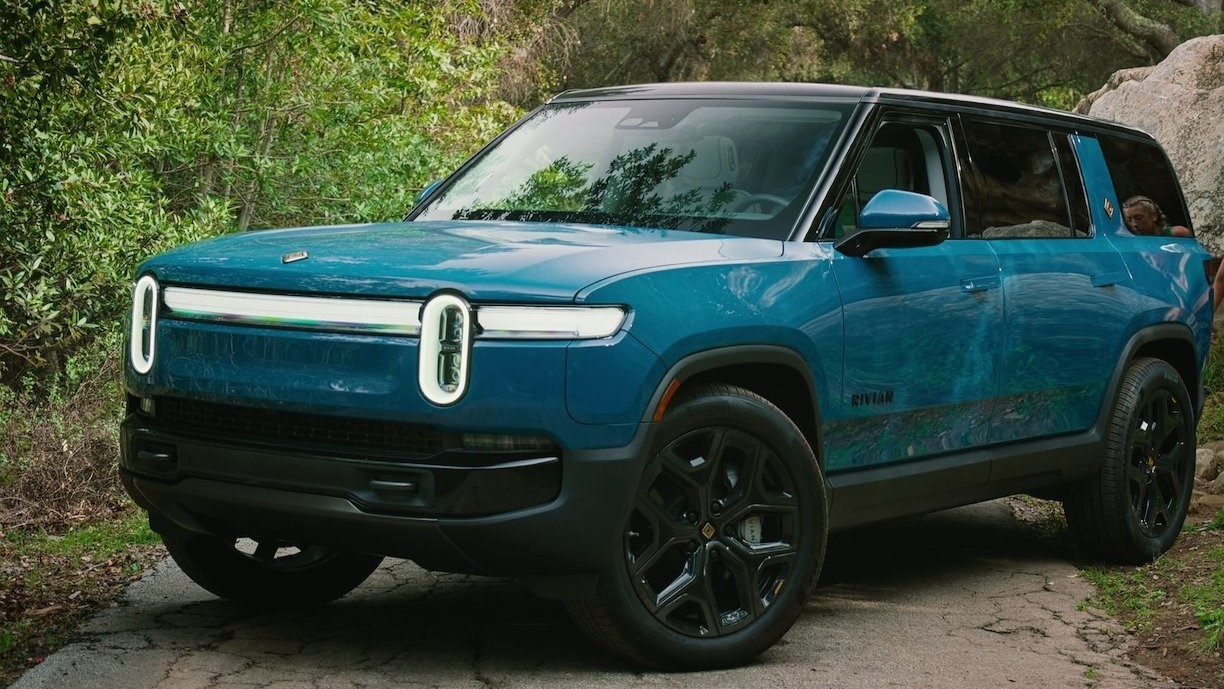
Rivian produces electric vehicles, including the Rivian R1T and the Rivian R1S. According to Rivian’s official release, Apple Watch functionality is available for supported Gen 1 and Gen 2 vehicles running software version 2026.03.
Software Update Overview
Rivian confirmed that Apple Watch support is included in software version 2026.03, which began rolling out to customers on February 19, 2026. The update was delivered through Rivian’s over-the-air system.
To use the Apple Watch features, owners must also update the Rivian mobile app on their iPhone to the latest compatible version. After updating both the vehicle software and the mobile app, the Apple Watch companion app becomes available on a compatible paired Apple Watch.
Key Features of the Apple Watch App
According to Rivian’s official information, the Apple Watch app allows owners to perform several remote vehicle functions. Drivers can lock and unlock the vehicle doors directly from the watch. They can also vent the windows and trigger the vehicle’s alarm.
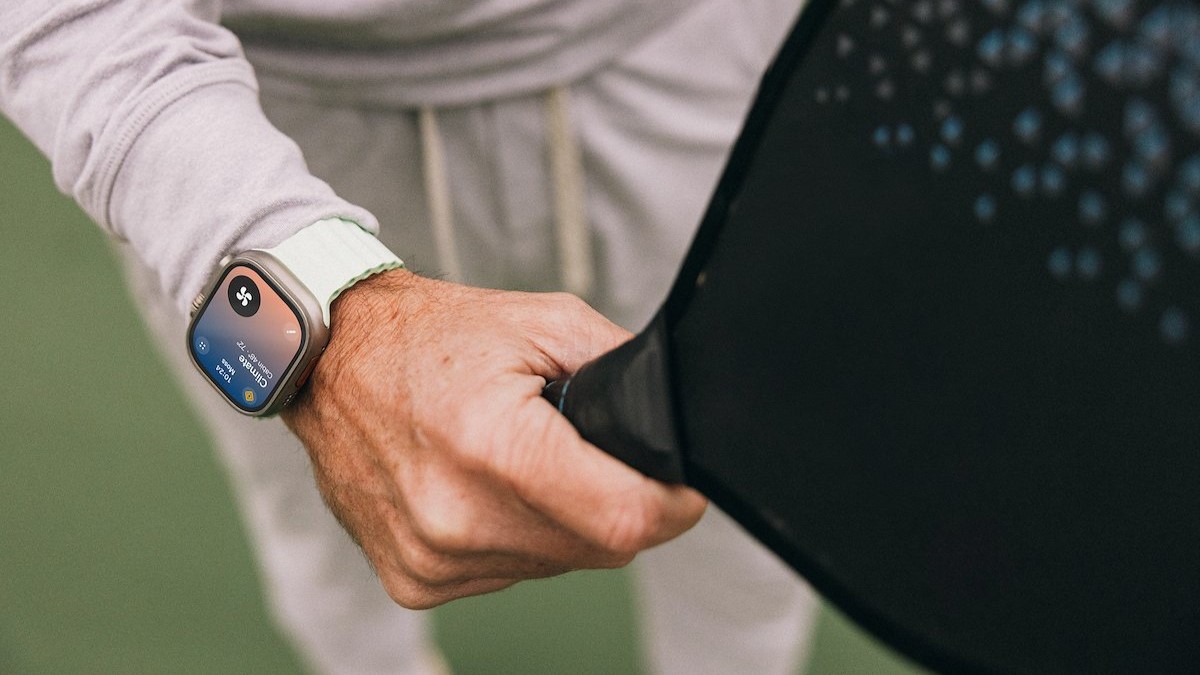
The app provides access to climate controls, allowing users to adjust cabin temperature using the Apple Watch’s Digital Crown. In addition, drivers can set a target state of charge for the vehicle’s battery directly from the watch.
These features are intended to provide quick and convenient access to commonly used controls without needing to open the phone app.
Vehicle Status and Battery Monitoring
The Apple Watch app also displays important vehicle information. Owners can view battery percentage and estimated driving range on the watch screen. The app provides a simple, glanceable interface for checking vehicle status.
Rivian also supports adding a battery status complication to the Apple Watch face. This allows users to monitor their vehicle’s battery level without opening the full app.
Digital Key Integration and Passive Entry
Rivian confirmed that the Apple Watch integrates with its digital key system. When set up properly, the Apple Watch can function as a digital key for the vehicle.
In Gen 1 vehicles, users must open the Apple Watch app and manually tap to lock or unlock the vehicle. In Gen 2 vehicles, if the digital key is configured, the vehicle supports passive entry and can unlock automatically as the driver approaches with the Apple Watch.
This functionality depends on proper digital key setup through the Rivian mobile app.
App Design and Customization Options
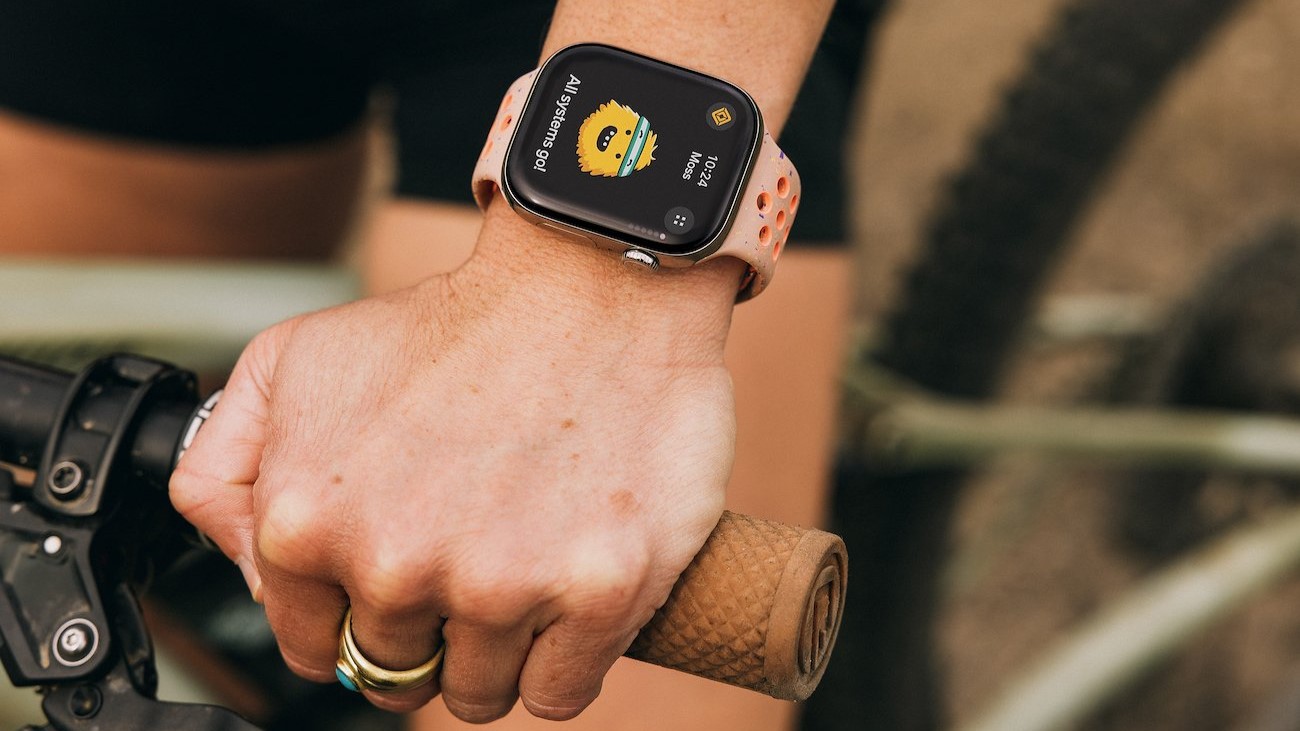
Rivian stated that the Apple Watch app is designed to reflect the look and feel of the main Rivian mobile app. The interface is simplified for quick access and ease of use.
Owners can customize up to four quick controls on the main screen of the Apple Watch app. This allows faster access to frequently used actions such as locking, climate adjustment, or charging controls.
Why This Update Matters
The February 19, 2026, software update reflects Rivian’s continued focus on enhancing the ownership experience through software improvements. By introducing Apple Watch support, Rivian expands its connected ecosystem and provides drivers with additional flexibility in how they interact with their vehicles.
What This Means for Rivian Owners
As officially announced on February 19, 2026, Rivian’s 2026.03 software update introduces Apple Watch support for compatible vehicles. Owners can lock and unlock doors, vent windows, adjust climate settings, manage charging limits, monitor battery status, and use digital key functionality directly from their wrist. This update strengthens Rivian’s connected vehicle capabilities and improves daily convenience for drivers.