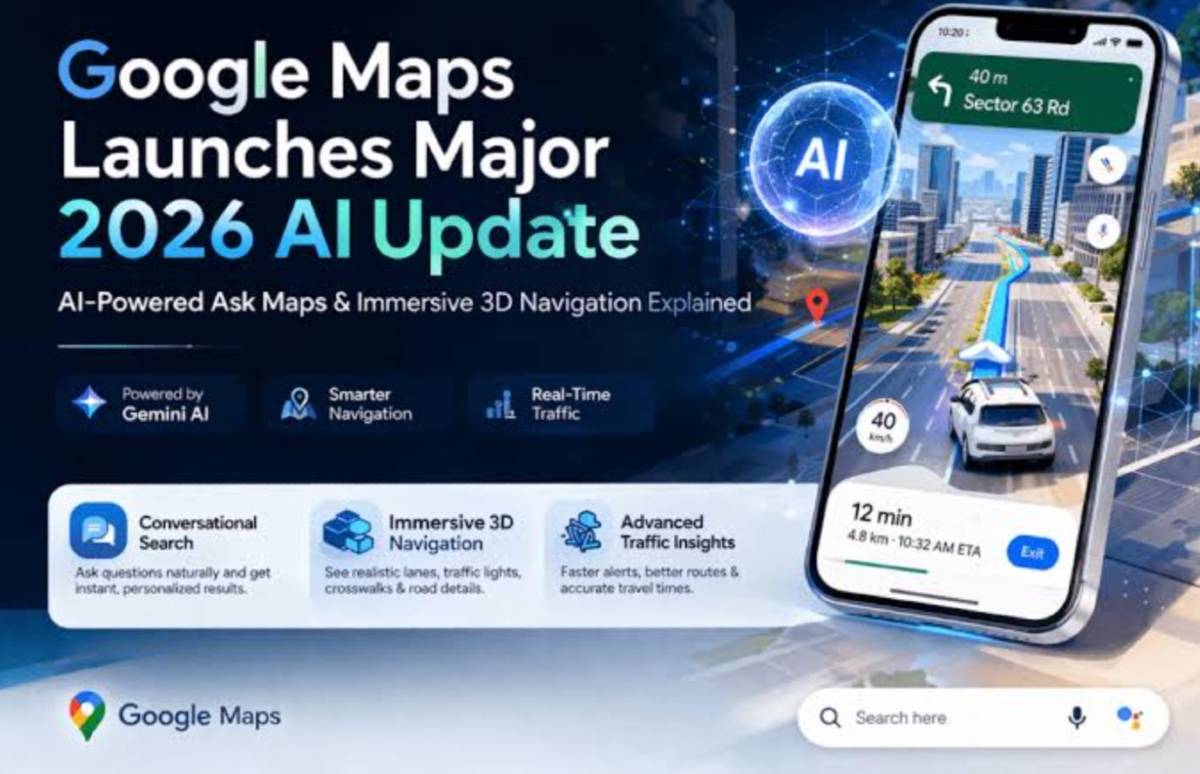
Previously, planning a trip used to require hours of searching and manually mapping locations. But now, the tables have turned with the newly launched “Ask Maps” feature in Google Maps. Powered by Google’s Gemini AI, the navigation app has transformed into your personal travel assistant.
What Is “Ask Maps?”
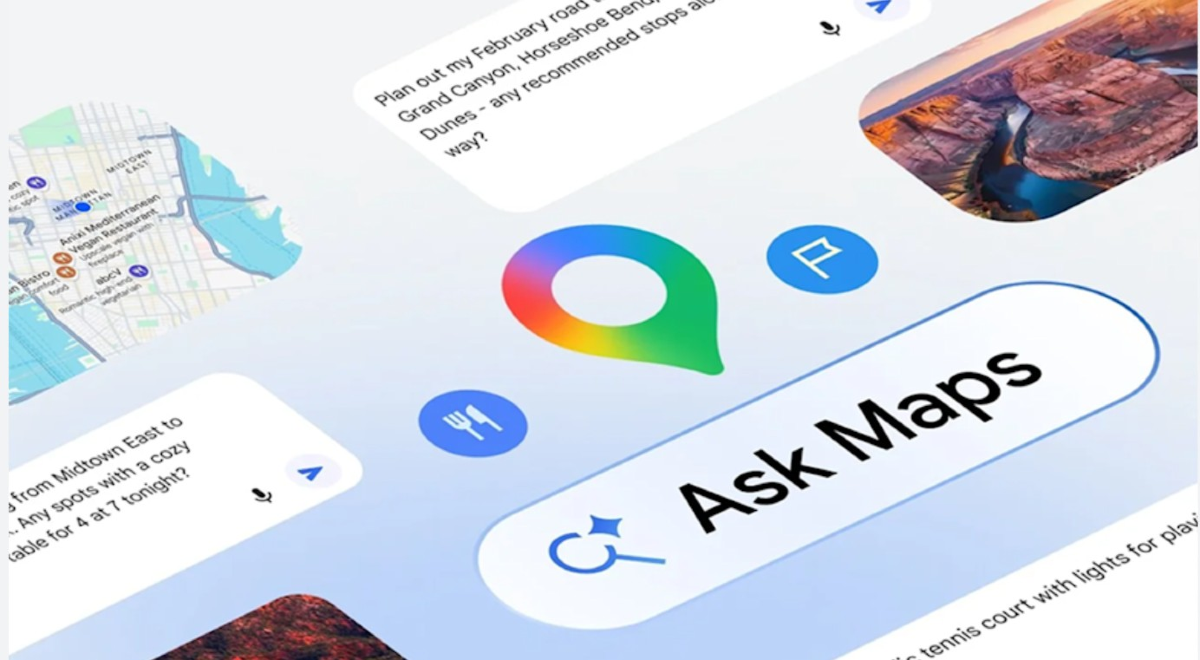
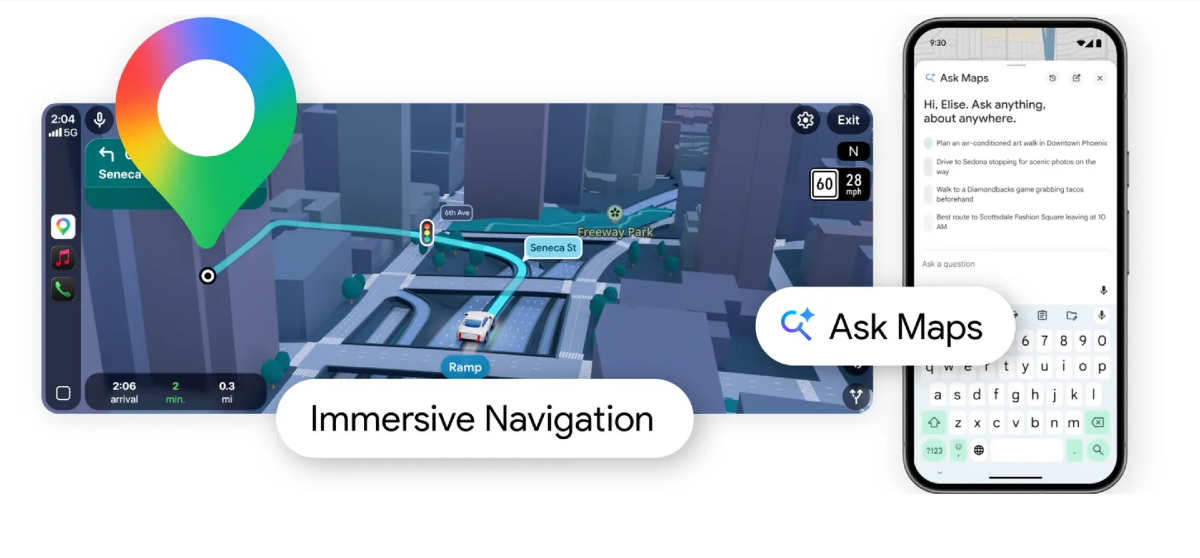
“Ask Maps,” is a conversational AI interface integrated into the Google Maps app. Instead of putting static keywords such as “restaurants near me,” you can now ask detailed questions in simple and lucid language.
Also Read: How Gen-Z Is Using AI To Plan Trips In 2026!
3 Ways To Plan Your Next Trip In Seconds
The real power of “Ask Maps” lies in its ability to handle requests that once required you to do multiple searches.
You can now request to create a full day’s plan with just one prompt. For example, “Plan a Saturday dine-out in (your desired location) for a family with seniors that includes a quiet lunch spot with no stairs and a place to watch the sunset.”
If you are already travelling, the AI can suggest stops based on your specific needs. For example, “ I am on a road trip to Manali. Find a charging station along the route where I can also get a high-quality “decaf-coffee.”
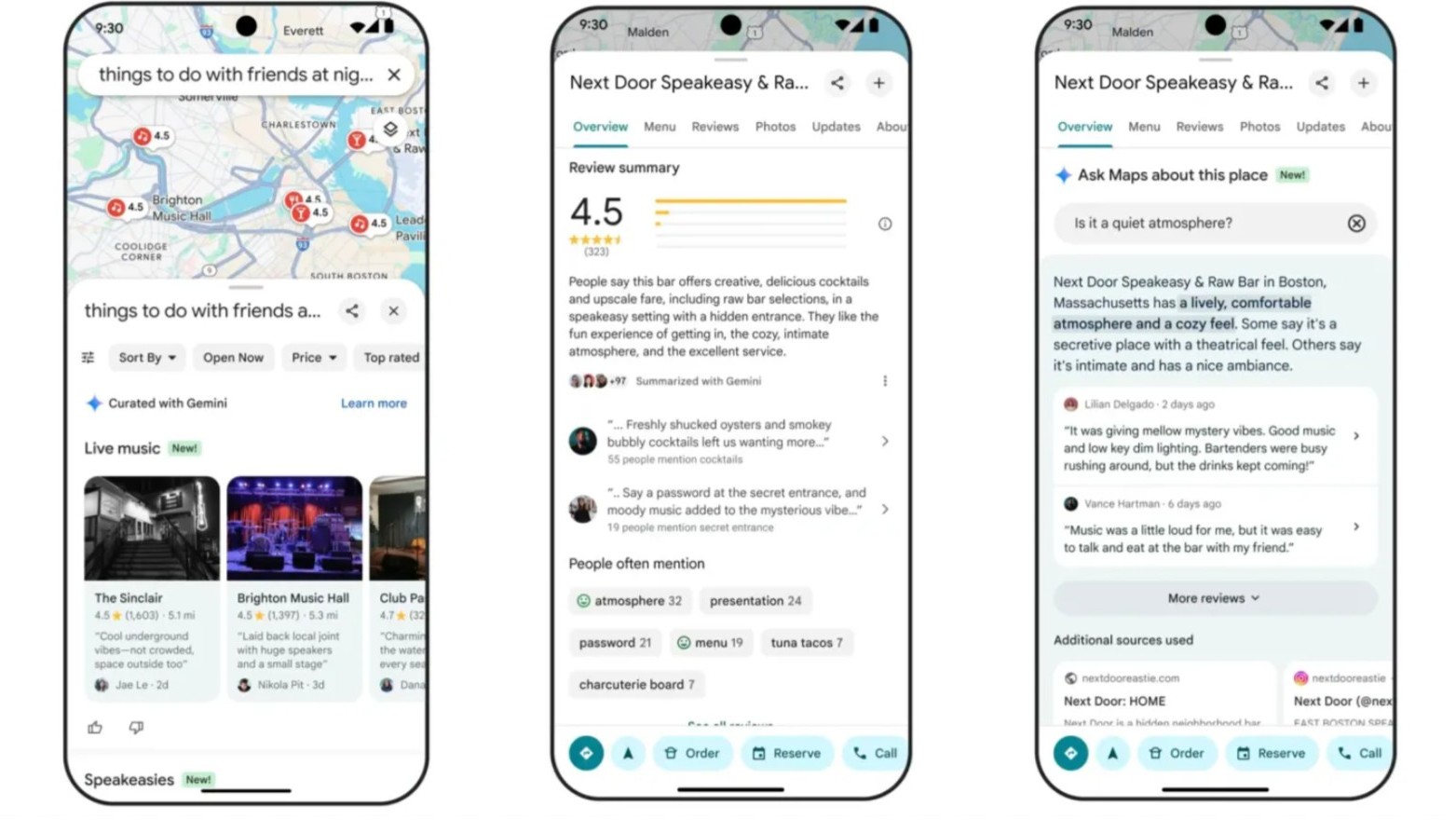
You no longer need to waste time in reading reviews about places, as “Ask Maps” will do that for you by summarising the general consensus. It can help you identify if a place is perfect to spend quality time with your loved ones or if a place is too loud and noisy to hold a business meeting” based on an individual's preference and experience.
Also Read: Is AI Killing Your Creativity? MIT Study Reveals
How To Use The “Ask Maps” Feature?
Currently, the feature has been rolled out in India and the United States only. To avail this feature, you need to follow these steps:
Open the Google Maps app and locate the “Ask Maps” button, present beneath the search bar. Then, tap the button to open a chat-like interface. Then, type your request or use voice commands, as per your choice.
In your request, you can even include group size, or provide any dietary restrictions or list out the desired “mood” of your choice, such as “vintage,” “minimalist,” or “lively.”
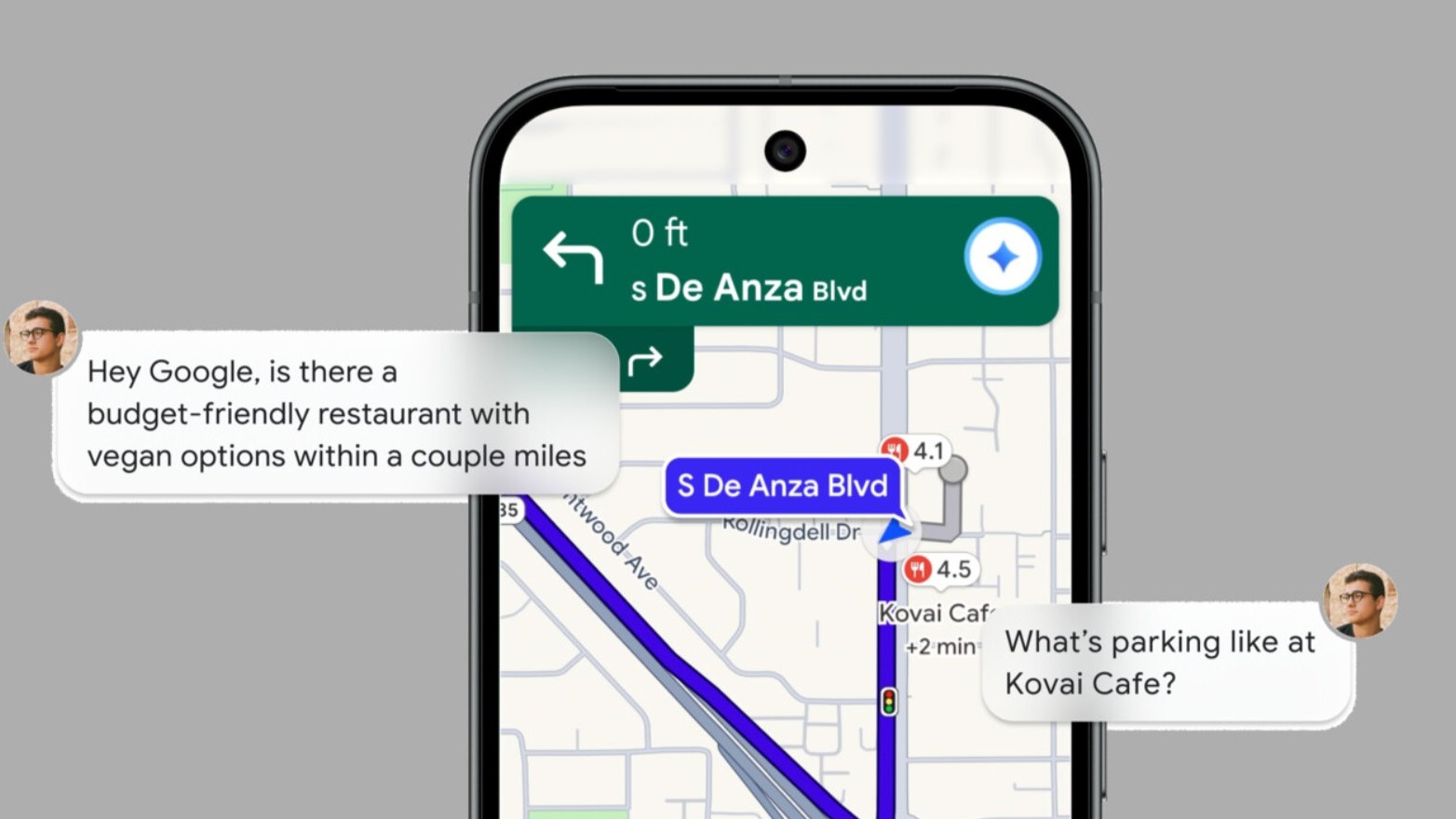
This AI feature is smart enough to remember the context and provide accurate search results based on that. You can ask, for instance “Now show me the restaurant that is closest to the metro station,” and it will filter the results.
Also Read: 6 AI Platforms To Verify Anything In Seconds!
Another Update By Google Maps
When going for a trip, planning is just a part of the whole process. Google has also introduced “Immersive Navigation,” which uses AI to create a 3D preview of routes. Using this, you can see a digital representation of complex intersection, identify the correct lane and find building entrances.
Whether looking for a peaceful cafe to work or finding a perfect spot to host a football match, the days of endless searching and scrolling are finally over.
Comments (0)
Log in to share your thoughts
No comments yet
Be the first to share your thoughts!