
If you are working in content creation, you will realize it is one of those jobs that look easy but are actually difficult. When you create content, your goal is to drive maximum engagement and traffic that can become your audience or potential customers. The purpose is to build your brand's authority via powerful content.
But how can we do it efficiently? Wouldn't it take weeks of hard work to create strategies and multiple manual steps to succeed? The answer is No. If you smartly utilize the artificial intelligence tools, you can catalyze the content creation workflow and make the process smoother than you ever imagined. When you use the right tools at each stage, you can turn a simple idea into a high-quality finished product. Here is the complete AI content creation workflow you can follow.
Also read || Best AI Agents for Research: 7 Tools to Save You Hours
Ideation and Research
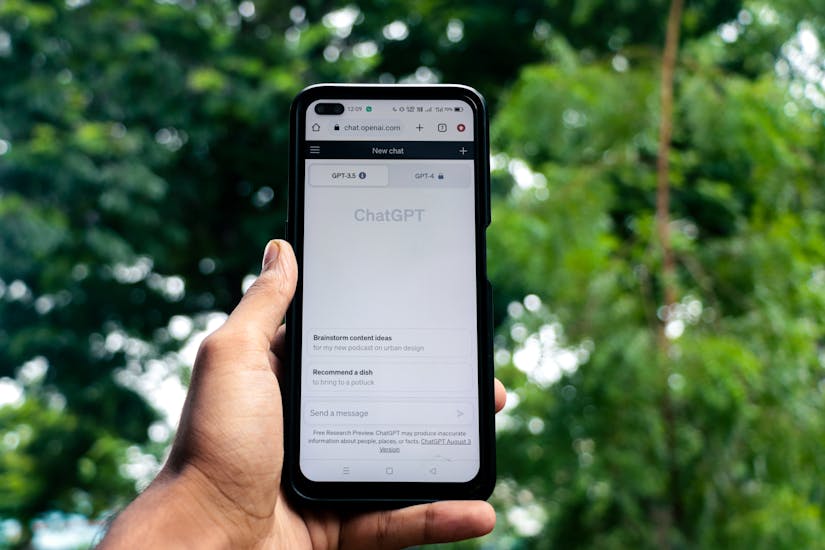
No good product ever comes out without powerful ideation and research. With dozens of Generative AI tools on the market, we recommend using ChatGPT to brainstorm unique topics or generate initial scripts for your projects. So, you never get those hours-long writer's block.
While ChatGPT might be an excellent tool, it can make mistakes like any other AI tool. Thus, you need to dive deeper into facts using Perplexity, a powerful research engine well-integrated with the live web. It gives you cited sources so you know your information is accurate and up-to-date. However, we recommend that you cross-check the statistics or data yourself for the most accurate results.
Script Writing
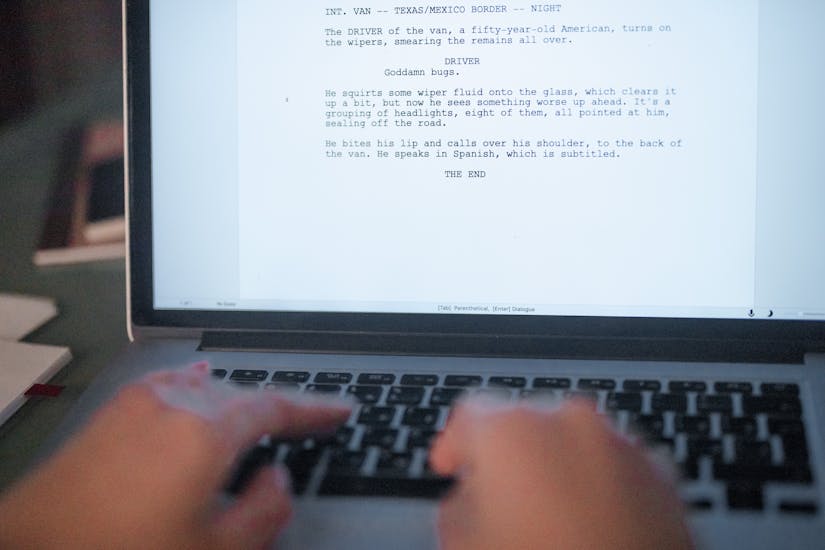
Good stories sell. When creating high-quality content, you must know how to build a compelling narrative, and this can take time to do manually. However, Claude is excellent for creating conversational drafts and structured outlines to keep your audience engaged without being too pushy.
On the other hand, if you are writing from a marketing or copywriting perspective, there is no better alternative than Jasper AI. Not only does it feel like a professional copywriter, but it also has specialized templates to maintain a consistent brand voice. Jasper can help you drive results with better and faster writing.
Also read || State of the Union 2026 Ignites AI Boom
Image & Visual Creation

An image is worth a thousand words. Thus, it is crucial to use the best, most relevant images for your videos. And when we talk about AI tools for image and visual creation, Midjourney stays right at the top of our minds. It can produce breathtaking, high-resolution art from simple text prompts, which makes it ideal for cinematic backgrounds or unique cover photos.
When creating visuals for digital art, Leonardo AI is one of the most powerful generative AI tools, allowing you to control the specific style and layout. The best part about Leonardo is its image-to-image editing, which lets you become a digital artist without mastering complex design software or expensive cameras.
Video Creation
While driving business growth digitally, video is the most powerful format, used by 91% of businesses and considered integral to the marketing strategy of 93% of marketers. Then, what's stopping you? The answer is expenses. Video creation is an expensive and time-consuming process. To counter that, we have tools like RunwayML that turn text or still images into dynamic video clips with realistic motion.
However, if your emphasis is on cinematic or more stylized animations, Pika should be your ideal pick. It offers amazing creative flexibility and smooth motion. Moreover, you can put all the footage together in CapCut AI to leverage smart editing features and automate the hard parts. And ta-da! You have a professional-looking video with just your computer or phone.
Voice & Audio
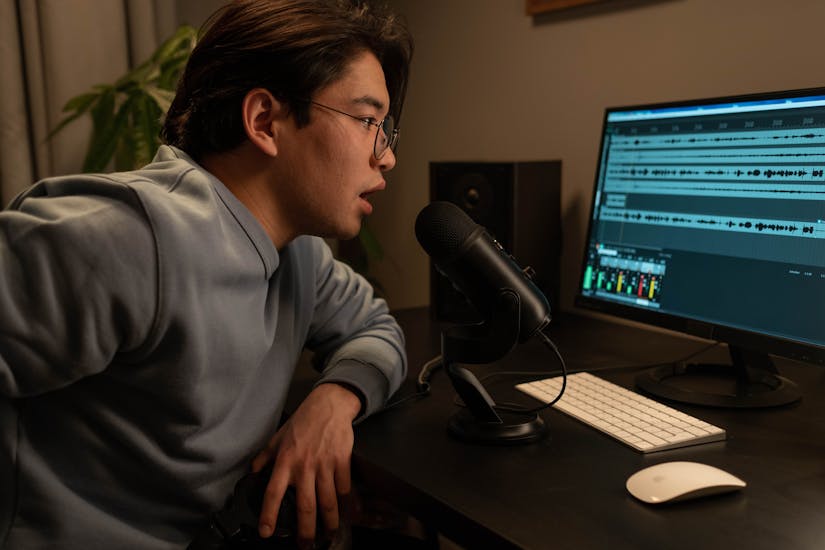
The difficult part of AI content creation is finding an authentic voice to support your visuals. While most audio sounds like a monotonous voice from a sci-fi movie, ElevenLabs provides the most realistic AI voices available, allowing you to narrate your scripts with emotion and clarity. Furthermore, you can clone your own voice for a more empathetic, personal touch.
Just like video processing, audio also needs to be refined, edited, and made highly accurate for the best audiovisual results. You can manage the entire process by simply changing the text in a transcript, and Descript is one such tool that does it smoothly. Hence, make any mistake or use filler words like "ahhs" and "umms", Descript would fix it in no time.
Editing & Optimization
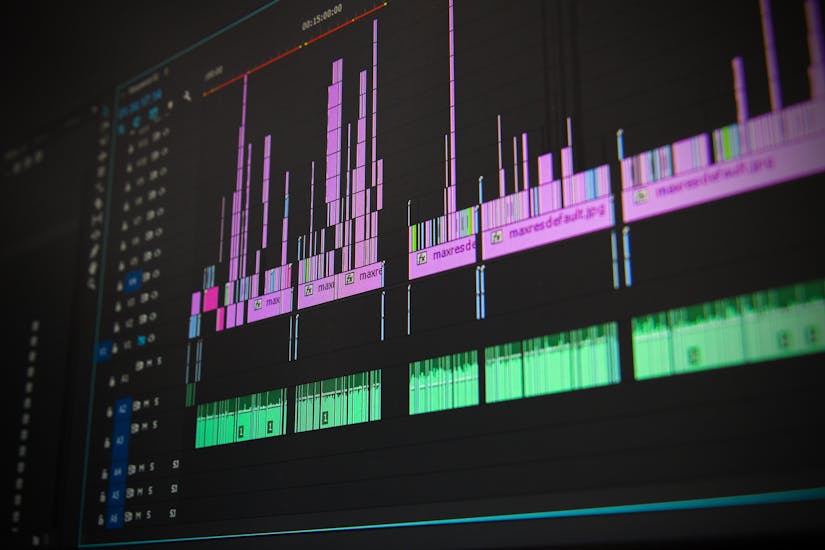
The final touches are what make an art astonishing. You can again use Descript to edit video and audio simultaneously with its text-based interface. However, to make your audio sound like it was recorded in a professional studio, use Adobe Podcast AI. It enhances your voice perfectly by removing the background noise.
When the audio and visuals are ready, it's time to create a thumbnail that entices users to click your video. To do that, Canva AI helps you design stunning thumbnails and overlays in seconds, ensuring your content looks great on every social platform, including YouTube, TikTok, Instagram, Facebook, and LinkedIn.
Also read || Rivian Cars Can Now Be Controlled with Apple Watch
Distribution and Repurposing

Now, we are in the endgame. The video is ready, the audio is synced, and we have a thumbnail. But how do we make it viral if we don't know the basics of viral marketing? To do that, we can use Opus Clip, which uses AI to find the most viral moments in your long videos and turn them into short TikTok and IG Reels clips.
You can save even more time with Repurpose.io, which automatically sends your content to all your social accounts at once. Thus, ensuring that your hard work reaches the largest possible audience with almost zero extra manual effort on your part.