Google has officially launched a transformative update for Gemini, enabling the AI to generate interactive 3D models and live simulations that turns complex theoretical concepts into hands-on visual experiences.
With the ability to generate 3D models and functional simulations directly within the chat interface, Gemini is redefining how we learn, build and interact with complex data.
Also Read: OpenAI Introduces Interactive Visual Learning For Math And Science In ChatGPT
How Interactive Visualizations Work In Gemini?
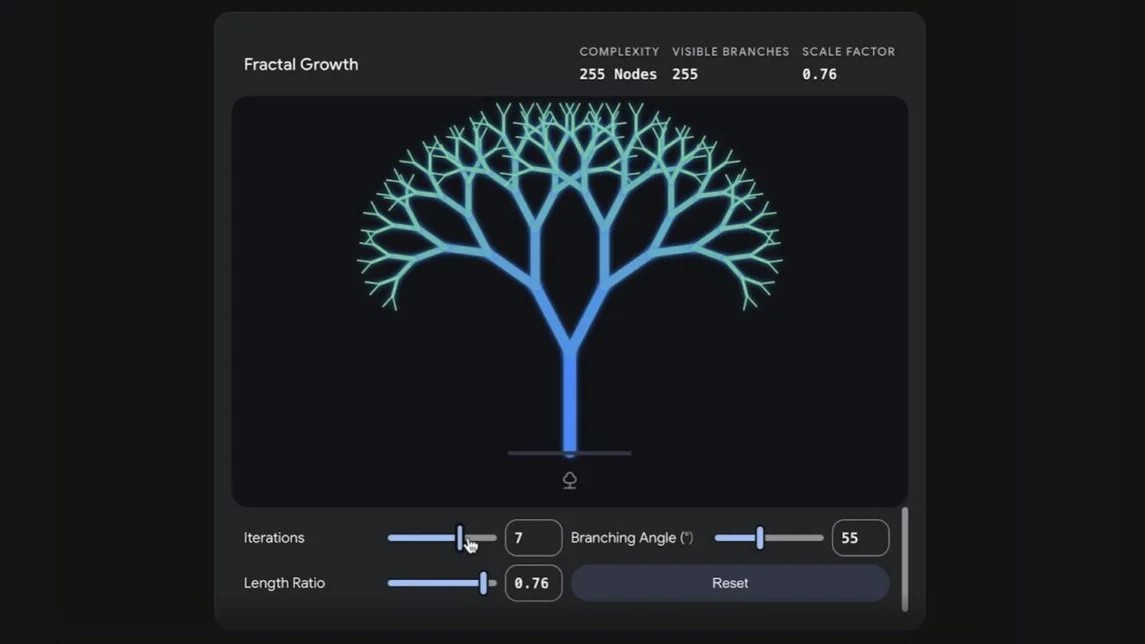
When you ask Gemini about a question that requires a visual explanation, it doesn't just search for a picture; it builds a live environment for you. This allows for smooth animations and high-fidelity graphics that were previously impossible in a standard chat window.
For instance, if you are studying orbital mechanics, Gemini can explain the concept with the help of a 3D solar system where you can manually adjust gravity strength or initial velocity to see how it affects a planet’s orbit. The interface updates it instantly, which provides a smooth and justified understanding of the theoretical concepts.
Key Features
The scope of what Gemini can now visualise is extremely vast, spanning across education, engineering and creative design.
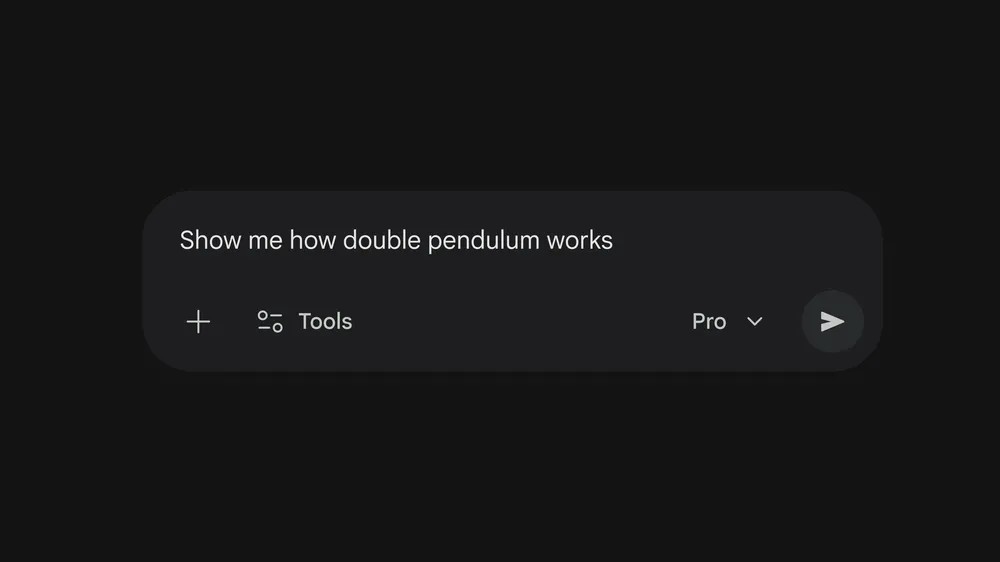
STEM Learning: Students can now visualise complex physics experiments, such as the double-silt experiment or the movement of a double pendulum. This way, they can understand the complex scientific concepts in a better way.
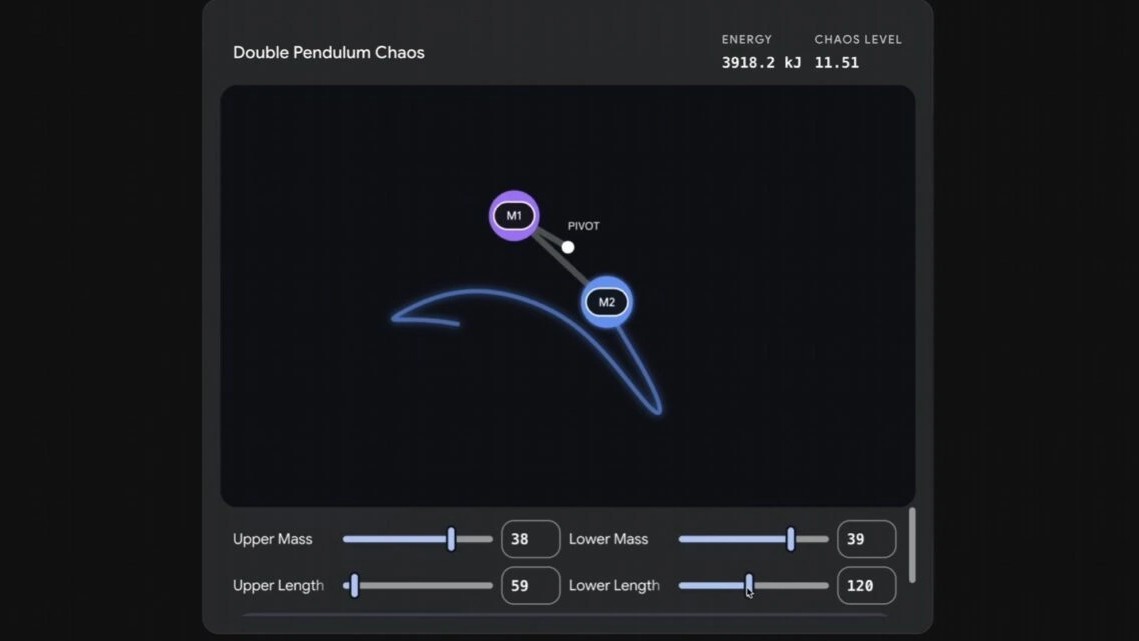
Creative Design: Designers can now generate 3D assets, such as a “habitable planet with rings,” and rotate the model to inspect it from every angle before exporting ideas.
Business Intelligence: You can prompt Gemini to create a mortgage calculator or a sales dashboard where moving a “price” slider immediately and recalculates projected profits.
Medical & Scientific Research: It also helps in exploring complex biological structures or simulating fluid dynamics, allowing for a deeper insight into the scientific ideas that are difficult to grasp through the text alone.
Accessing Gemini’s 3D & Simulation Tools
To begin your visualizing journey with Gemini, you must first navigate to Gemini and ensure that you already have the Pro model (such as Gemini 3.1 Pro) selected in the prompt bar. It is important to note that the standard models can still generate text-based responses.
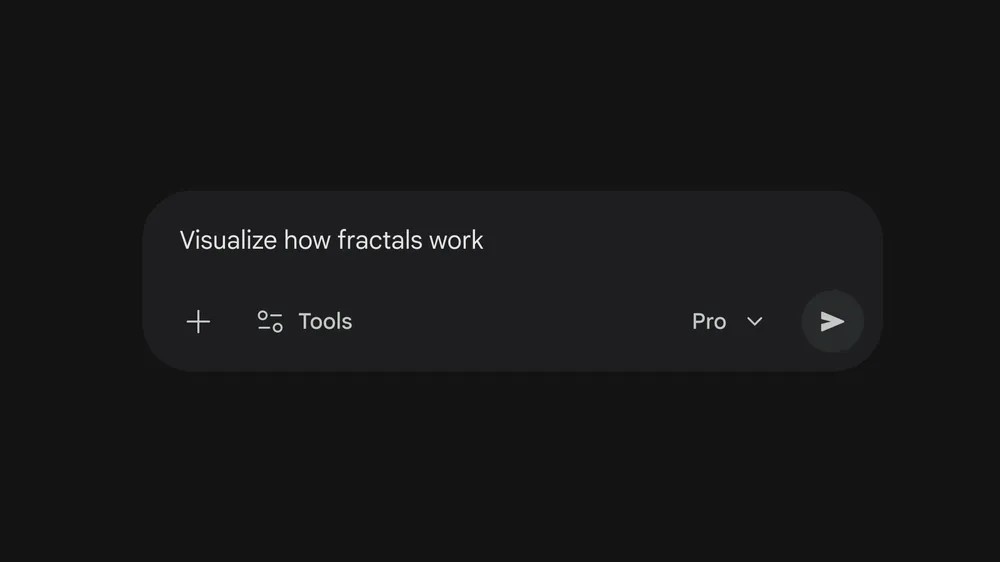
Once the Pro model is activated, you can use specific “trigger” phrases to signal that you want a visual response. Phrases like show me, help me, or generate a simulation of.. are primarily the ways to unlock the 3D engine.
After the AI has generated the response, look for the “view visualization” button or look directly at the rendered window in your chat. From there, you can begin clicking, dragging and adjusting parameters to explore the concept in full 3D space.
Also Read: What Is Google Lyria 3 Pro? Features, Uses And More
The Future Of AI Interaction
Google has turned Gemini into a live physics engine and data visualization powerhouse. Though there are currently some limitations, such as restricted access for certain workspace and education accounts due to high compute costs. But as AI continues to evolve with time, the line between “chatting” and “creating” will continue to blur.
Gemini’s new interactive capabilities have proven that the future of information isn't just something we read, it's something we interact with, manipulate and explore in three dimensions.
Comments (0)
Log in to share your thoughts
No comments yet
Be the first to share your thoughts!