You would be lying if you had not used multiple tabs in a web browser and gotten slightly annoyed because you could not focus on the main task. Whether you are a writer, researcher, student, or developer, we often develop a habit of creating digital chaos, which often leads to significant stress, anxiety, and reduced productivity. A study by Smallpdf suggests that workers lose an average of 4.5 hours per week, or 29 days annually, searching for files.
So, how do we get rid of digital clutter? The answer is DELETE! It sounds easier than done. Although the purpose of digitization was to save us from the stacks of paper, it did not go as expected. Undoubtedly, we have saved a lot of paper, but the chaos of thousands of unread emails, duplicated files, and New Folders on your Desktop takes a toll on your "mental RAM". The only way is to live a more intentional digital life rather than just deleting files. And here is how you can do it.
Also read || The Rise of Minimalist Smartphones and What It Says About Us
"One-Touch" Inbox is All It Takes
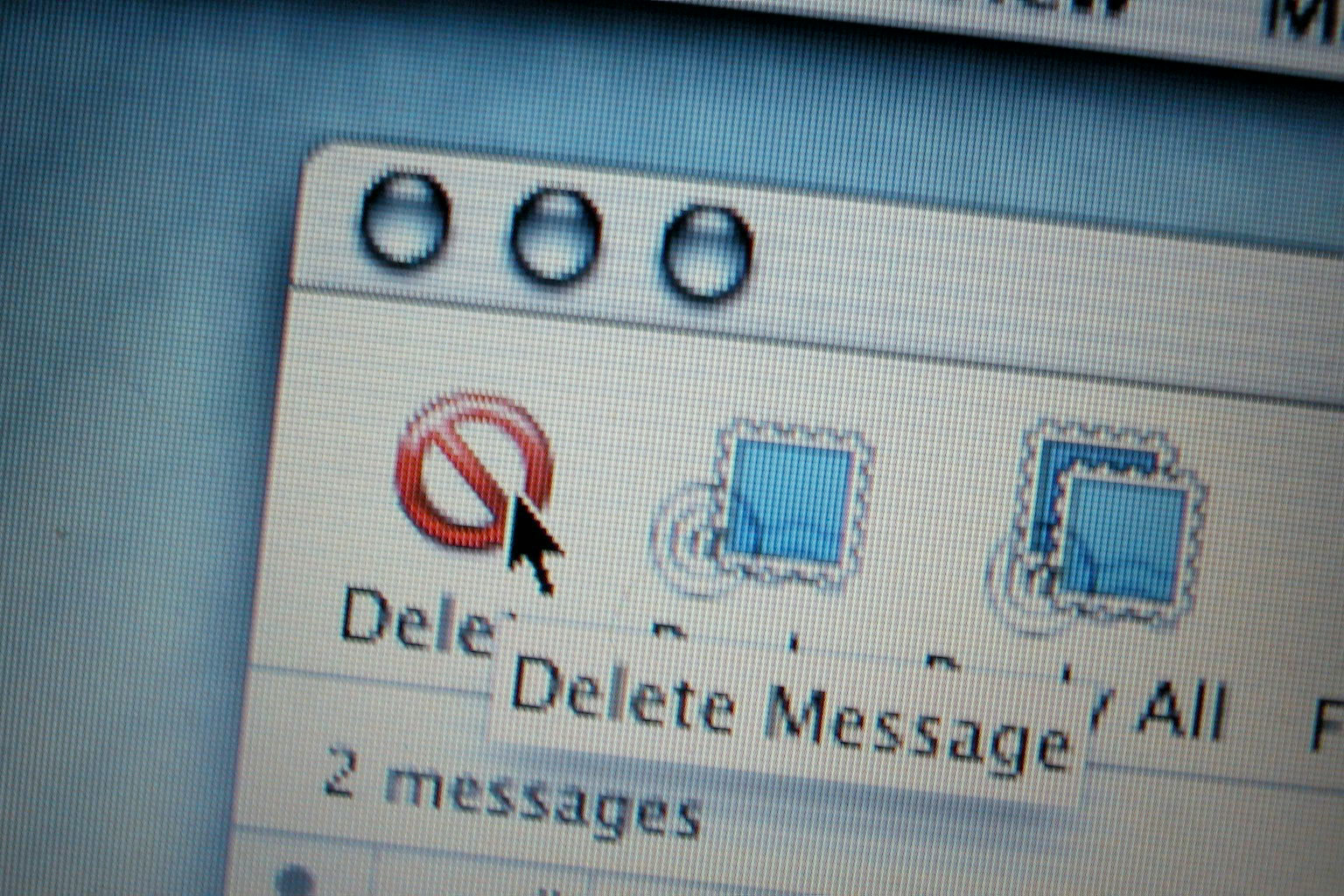
It's not you, but your inbox that accounts for the most clutter in your life. We often open an email, realize it requires a task, and leave it there to "deal with it later". This may look harmless, but it creates a mountain of pending decisions, i.e., a backlog. What you can do is adopt the one-touch rule.
Let's understand the one-touch rule. When you open a notification or an email, you must immediately archive, delete, or respond. With the one-touch rule, you filter out only the things that don't matter to you. While archived or deleted emails are unimportant or low-priority, you can move them to a "dedicated task manager or calendar" that takes longer than 2 minutes. With this, you clear the entry point to your digital life and stop the clutter before it settles in.
Audit Your "Ghost" Subscriptions

The subscription economy might have made things easier for many of us, but it created a noise of apps, newsletters, and services that we no longer use but still follow. To get rid of this, you must perform monthly digital audits of your subscriptions. Some apps are clearly a waste of money and time, so delete them now.
To systemically audit your subscriptions, you can use the "search and destroy" method. It works best for newsletters and advertising. All you need is to search your inbox for the word "Unsubscribe" to ruthlessly opt out of any retail or news blast you haven't read in the last 30 days. For apps, you can scroll through your phone's settings to see which are least used and delete them if you no longer need them.
Also read || Workday Stack 2026: Best Apps for Knowledge Workers to Stay Organized, Focused, and Calm
Implement a Hierarchical Naming Convention
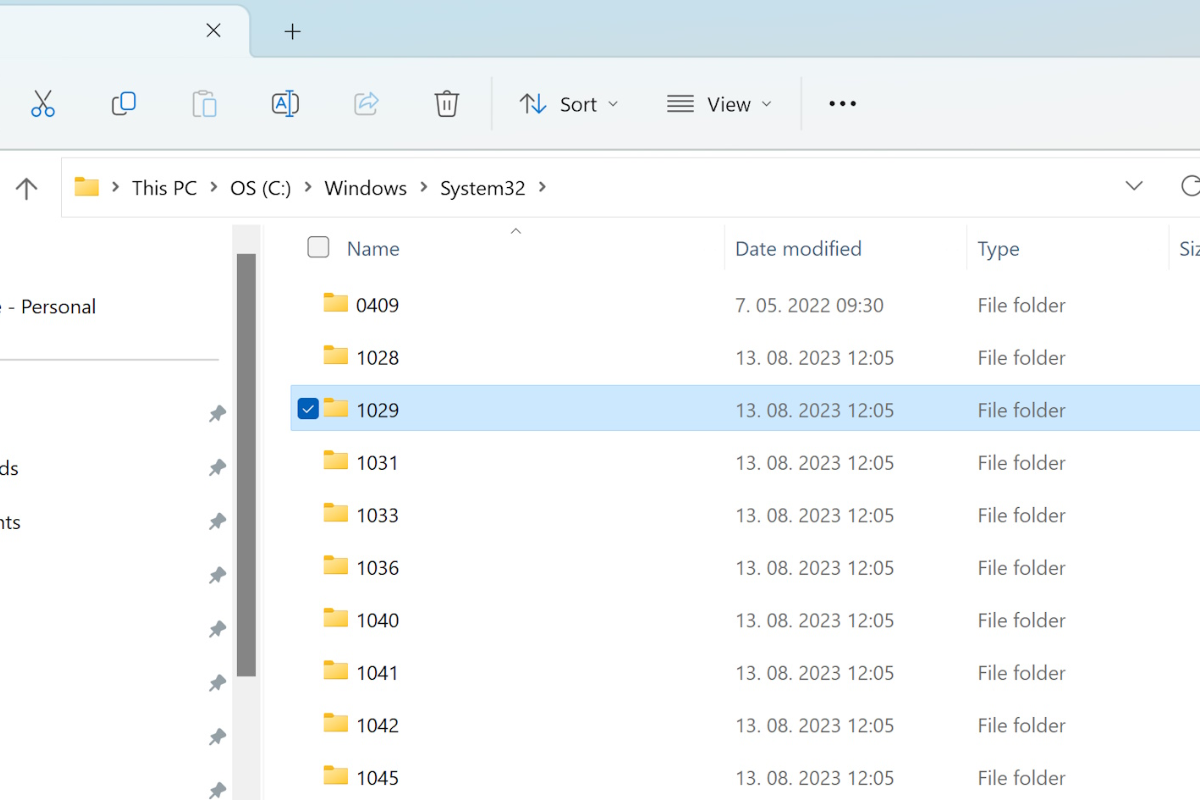
Whether it is organic chemistry or history, remembering names has been a nightmare for many of us. Random files like Final_Draft_vs_edit2.docx are the building blocks of a digital nightmare. The best approach is to make your files searchable so you don't need to keep a "safety copy" in multiple places.
Adopt a Universal Naming Convention (UNC). It is a simple but effective format: YYYY-MM-DD_ProjectName_Description. When files are dated and named by project first, they naturally sort the documents chronologically and "in context. It allows you to trust your search bar to find a file. As a result, you stop hoarding the three different versions of the same file on your Desktop.
Building the "Desktop Zero" Habit
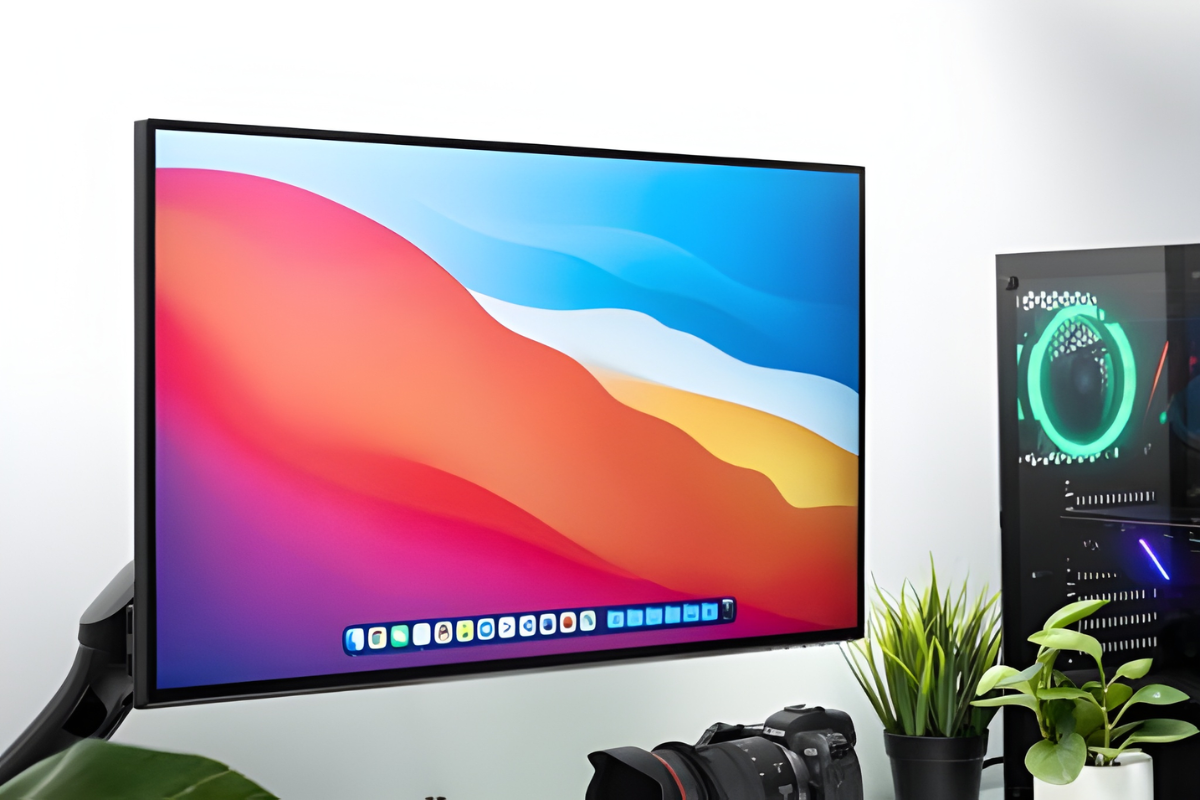
Treat your computer desktop like a physical workbench. You wouldn't leave every tool you own scattered across a table after a project is finished; you'd put them back in the drawer. Your Desktop should contain the files yo are actively working on today.
At the end of every Friday, perform a "Desktop wouldn't move completed files to their permanent folders in the cloud and delete the screenshots or temporary downloads that served their purpose. Starting Monday morning with a clean, high-resolution wallpaper rather than a wall of icons significantly reduces startup friction and helps you dive straight into deep work.
Also read || 5 Cities Remote Professionals Are Building Their Best Lives in 2026
Manage your cloud smartly
The most modern form of clutter is "fragmentation." You might have photos in iCloud, documents in Google Drive, and old work files in Dropbox. This fragmentation leads to "digital anxiety" because you never truly know where your data lives. Choose one primary ecosystem for your" active files" and one for your "archives."
For example, use a cloud provider for your daily documents and an external hard drive (or a cold "storage cloud s" service) for photos and videos from years ago. By centralizing your data, you can see the true" scale" of what you own. It's much easier to delete a 50GB folder of "Old Videos" when they are all in one place, rather than scattered across three different services.
Comments (0)
Log in to share your thoughts
No comments yet
Be the first to share your thoughts!