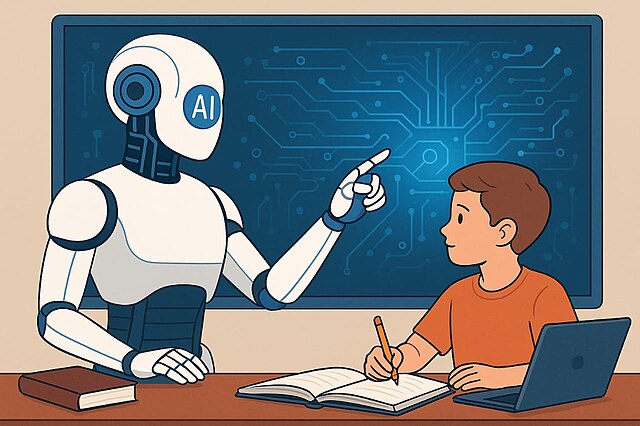
If you have been working in knowledge management or something that is intellectually challenging, chaos could be the worst thing for your everyday performance. With artificial intelligence in mind, most knowledge workers focus on AI tools to automate routine tasks, streamline communication, and improve decision-making. These AI tools are not in their testing phase, but can be well-integrated into your daily workflows for enhanced productivity and efficiency.
Most workers utilize these tools to minimize manual work and cognitive load, giving organisations enough scope for innovation in their core competencies. This AI stack has large language models (LLMs), intelligent assistants, schedulers, and intelligent workspace platforms that seamlessly connect with existing systems. Whether you are a writer, a manager, or a coordinator, these adaptive tools make work clearer, faster, and less stressful.
AI Assistants
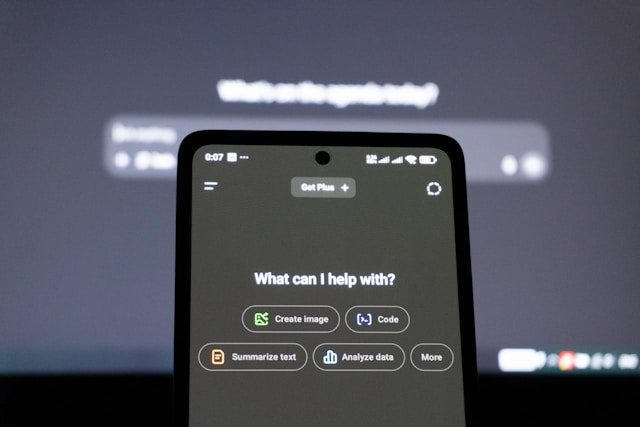
In an era of productivity, assistants like ChatGPT, Gemini, and Copilot lead the race. You can summarize long emails, draft contracts, find resources, or extract key pointers for preparing your presentations, right on demand. While ChatGPT Plus is ideal for general-purpose assistance, Gemini and Microsoft Copilot are deeply integrated with Google Workspace and Microsoft 365 Workspace, respectively. Thus, it reduces manual work and saves a lot of time.
AI Schedulers
Most of us don't have static schedules anymore, and we can't rely on manual calendars. AI scheduling tools are powered by machine learning. Tools like Clockwise and Motion can help you prioritize tasks and meetings based on your focus blocks, deadlines, and personal work rhythms. The best thing about these AI schedulers is that one can automatically reschedule low-priority meetings, create deep-work sessions, and optimize time slots to reduce context-switching interruptions. When you intelligently manage your calendar, you cut hours wasted on manual planning and help workers maintain productive focus throughout the week.
AI Writing and Communication Tools
Writing creates perspectives. Your job may or may not be content-heavy or related to writing and communication. Still, a Grammarly subscription does not hurt that much. With tools such as Hemingway Editor, Grammarly (now Superhuman suite), you can integrate your writing suggestions with broader workflow assistance across apps like Gmail, Slack, and Google Docs. You can draft content and summarize communication with context awareness. With powerful tools like these, you ensure that your emails, reports, proposals, and all other documents are polished and professional without spending hours on intensive proofreading and editing.
AI Meeting Assistants
If you are acquainted with corporate environments, you must have heard the statement, ‘Don’t forget to note down minutes of meetings(MoM).’ Writing the MoM documents can be a hectic task that requires 100% concentration and minimal scope for error. Otter.ai and Fireflies.ai are two such platforms, which you can use for recording meetings seamlessly and transcribing speech without mistakes. Further, it provides searchable transcripts with key takeaways and actions. Manual typing is an old school thing, and these assistants are integratable with video-conferencing and calendar platforms, allowing you to track follow-ups and sync actional outputs directly into projects.
Intelligent Workspaces
For people working in documentation-heavy roles, collaboration tools like Notion AI or ClickUp can be a boon for their work. They act as centralized knowledge hubs where all the team members can collaborate. The highly flexible platform, Notion, has included AI agents to automate database updates, general outlines, and auto-organize notes for summarizing project content in real time. With such powerful and intelligent workspaces, you can transform raw information into actionable insights that help the team coordinate without losing the context of the project.
AI Search & Summarization Tools
If you work in research and data-intensive roles, AI search and summarization tools like Perplexity AI provide quick answers, context-aware citations, and structured summaries. Unlike traditional keyword research, you can pull relevant insights from large datasets and external sources without wasting any time. Thus, it saves you from unlimited web-surfing or sitting through long documents and webpages manually. These tools are ideal for business analysis, competitor analysis, customer research, and reviewing documents. Thus, accelerates understanding and decision-making.
AI-Powered Workflow Automation Platforms
Nothing exhausts an employee more than monotony. When you do repetitive tasks, you either feel super-confident about doing that, or your curiosity dies; there is no in between. Monotony can be suitable for routines, but a graveyard for creativity. Zapier AI or Bardeen are such tools that you can automate monotonous tasks without complex coding. Automation platforms handle tasks like data transfer, notifications, and creating reports at scheduled gaps. Automation ensures that you have free time for high-priority tasks.
AI-Design Assistants
When the Ghibli trend went viral in 2025, illustrators and designers were highly scared yet disappointed. But, it was not the death of the art. A good designer is highly irreplaceable. The purpose of AI assistants is to help designers work more productively and smoothly. Canva AI and Adobe Acrobat Studio can help you generate graphics, enhance documents, and create visuals effortlessly. The generative models of Canva AI suggest layouts and design elements. At the same time, Acrobat Studio is great for PDF summaries and collaborative document editing.
How AI Apps Are Redefining Productivity?
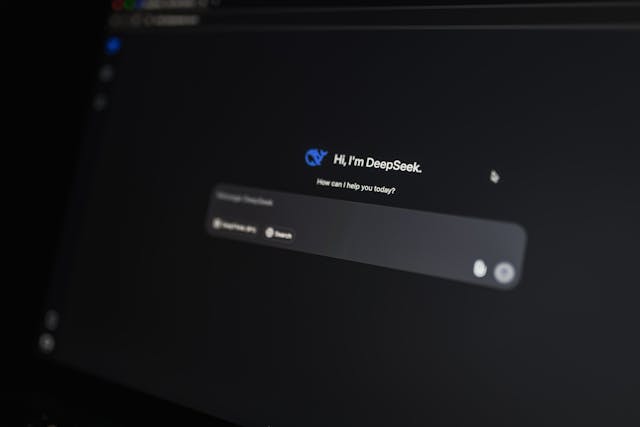
Productivity is not only about doing more, but more about the effectiveness and impact of your work. If you are not creating value, doing the right things, or sustainably achieving impactful results, you are not productive but just busy. AI has evolved into intelligent, context-aware systems that actively support knowledge work. You can research things, manage meetings, and collaborate virtually in no time. The perk of knowing AI apps is less manual work and more focus on creativity, strategy, and core competence for business.